




We have two major releases to announce for our ServiceNow ecosystem — the brand-new Netskope CMDB Integration app, now available on the ServiceNow Store, and version 3.0 of the Netskope SecOps (SIR) app, which brings significant new capabilities to security operations workflows.
Whether you're an IT operations team looking to bridge your CMDB with Netskope's Zero Trust visibility, or a SOC team wanting richer incident response automation — there's something here for everyone.
PART 1 — NEW APP
Introducing the Netskope CMDB Integration App
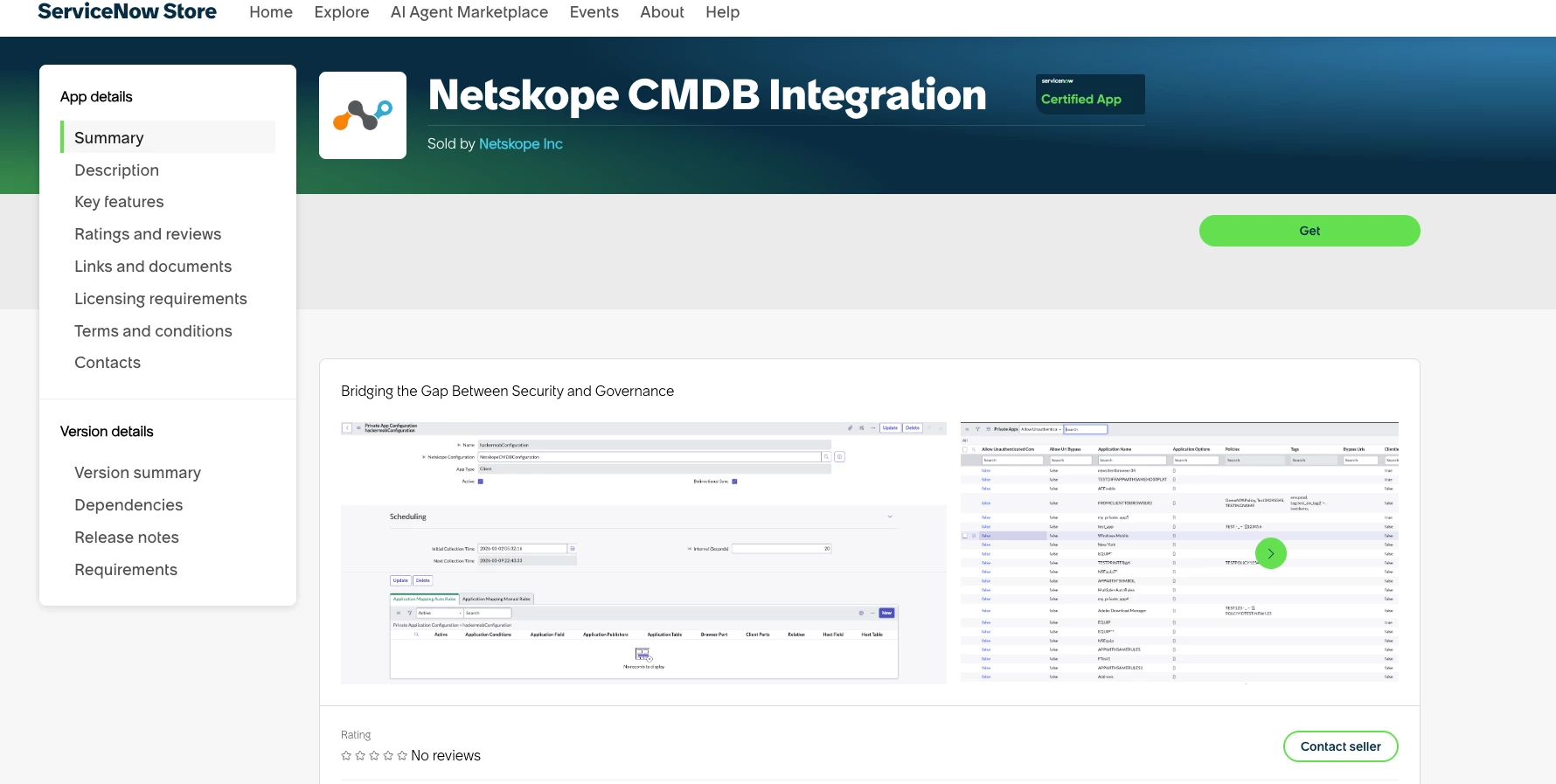
The Netskope CMDB Integration app is a first-of-its-kind release that connects Netskope's Security Service Edge (SSE) platform directly to ServiceNow's Configuration Management Database. This app is purpose-built for IT and security operations teams who want Netskope's asset, policy, and access data living natively within their ServiceNow CMDB — no custom scripts, no middleware, no manual exports.
1. Private App Bidirectional Sync
The CMDB app supports full bidirectional synchronization of Private Applications between the Netskope platform and ServiceNow CMDB.
- Fetch all Private Apps from Netskope into ServiceNow CMDB — including publisher details, access method (Client or Browser), host configuration, ports, and associated tags.
- Push Private Apps from ServiceNow back to Netskope using flexible Mapping Rules:
- Auto Rules scan CMDB CI classes (e.g., cmdb_ci_app_server, cmdb_ci_web_server) based on configurable conditions and automatically generate Private App records on the Netskope platform. The integration supports CMDB relationship traversal — if your App Server CIs have Runs on::Runs relationships to host servers, the correct host IP or FQDN is resolved automatically.
- Manual Rules give granular, CI-by-CI control for bespoke application configurations.
Your ServiceNow CMDB becomes the source of truth for your ZTNA application catalog. App onboarding requests can flow through standard ServiceNow workflows instead of requiring direct Netskope console access.
2. NPA Policy Lifecycle Management
Network Private Access (NPA) policies can now be created, updated, and managed directly from ServiceNow and pushed to Netskope in real time.
- Build NPA policies in ServiceNow — selecting Policy Name, Access Method, Users or User Groups, Source OS, Device Classifications, Destination Private Apps, and Match Criteria Action (Allow/Block).
- Push policies to Netskope with a single click — changes take effect on the platform immediately with no sync delay.
- Fetch all existing Netskope platform policies back into ServiceNow for a unified audit view.
- Pre-requisite data — Users, User Groups, Device Classifications, Policy Groups, and Tags — is automatically pulled via dedicated scheduled jobs, making policy creation a guided, dropdown-driven experience.
ZTNA policy management becomes part of your existing ServiceNow change workflows, with a full audit trail on every policy decision.
3. Device Sync to Asset Inventory
The app fetches endpoint devices managed by Netskope and maintains them in a custom table associated with the integration. The Enable CMDB Mapping toggle in credential configuration further allows you to map these devices into the standard ServiceNow CMDB CI classes — giving you flexibility to maintain device records both in the integration's own table and within the broader CMDB Asset Inventory.
When CMDB Mapping is enabled, device records are mapped to the appropriate CI classes:
| Device Data | Target CMDB Class |
|---|---|
| Endpoint | cmdb_ci_computer |
4. Device OTP via Change Request Workflow
The One-Time Password (OTP) workflow for Netskope Client service disablement is built into the app with a full ServiceNow Change Request approval gate. When a user or administrator needs to temporarily disable the Netskope Client:
- A Change Request is raised in ServiceNow with the documented business justification.
- The request flows through your standard Change Management approval process.
- Upon approval, the OTP is fetched from Netskope and delivered — no direct platform access required by frontline staff.
Getting Started with the CMDB Integration App
Search for "Netskope CMDB Integration" on the ServiceNow Store.
Prerequisites:
- ServiceNow instance on Tokyo or later, including Zurich
- Netskope API Token with proper API permission in Netskope RBACv3
- NPA licensed and configured on your Netskope tenant (for policy management features)
- Change Management module active (for OTP workflow)
Quick Start:
- Navigate to Netskope CMDB Integration → Credentials and create a credential record.
- Enter your Netskope tenant URL and V2 API Token, then click Test Connection.
- Enable the Enable CMDB Mapping toggle to activate device sync.
- Run the scheduled jobs (Fetch Private Apps, Fetch Devices, Fetch NPA Policies, Fetch Tags) to populate initial data.
- Configure Mapping Rules under Private App Configurations to start bidirectional sync.
PART 2 — VERSION UPDATE
Netskope App for Security Incident Responder — Version 3.0
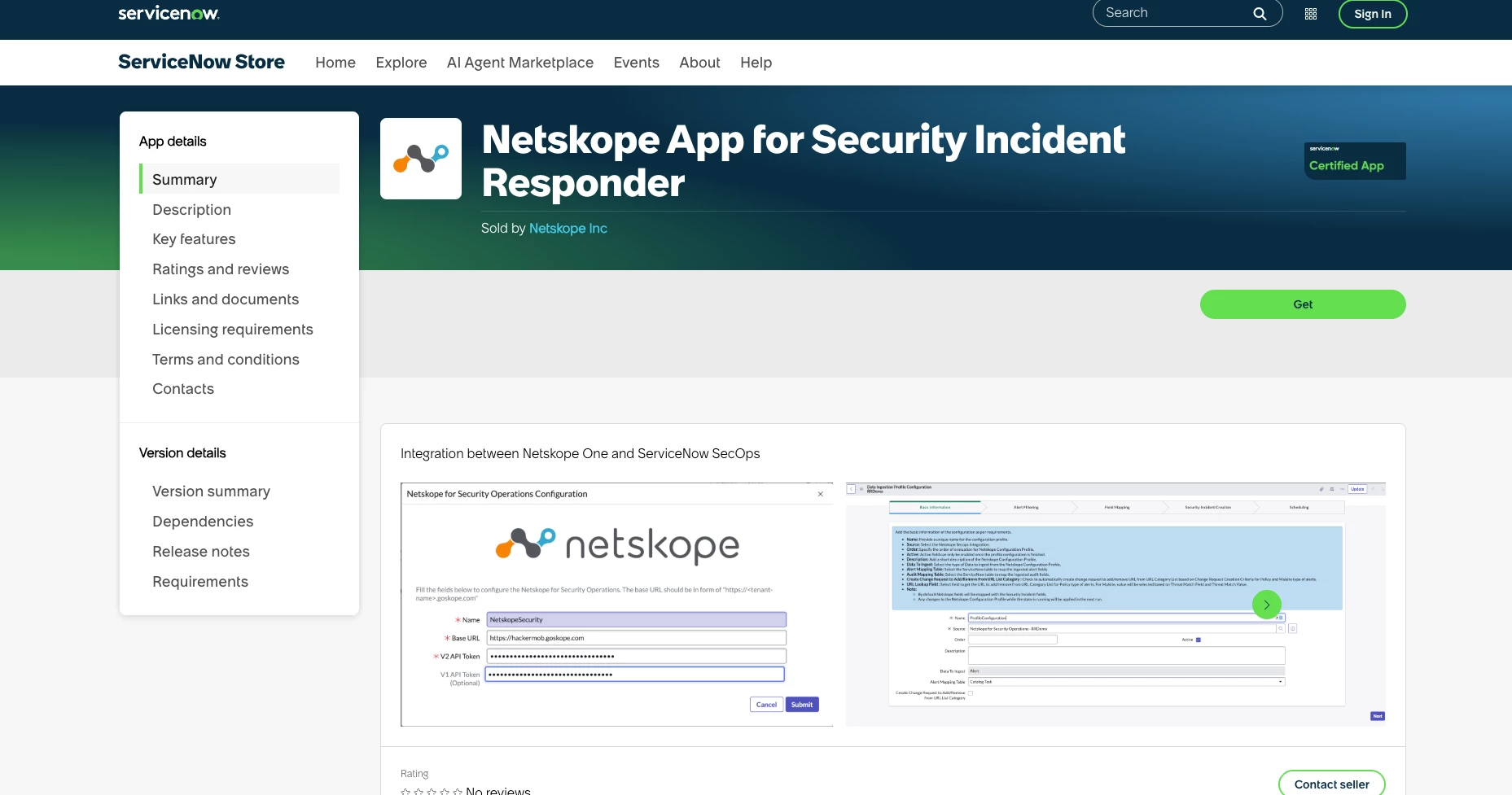
The Netskope App for Security Incident Responder (SIR) has been a foundational integration in our ServiceNow ecosystem, enabling automated security incident creation from Netskope alerts and events. Version 3.0 delivers three focused enhancements — broader data source support, smarter response automation, and meaningful performance improvements that make the app faster and more reliable at scale.
1. Audit Log Support
v3.0 extends the app's data ingestion capabilities to include Netskope Audit Logs alongside the existing Alerts support.
Audit logs capture administrator and user activity on the Netskope platform — policy changes, configuration updates, login events, and privileged actions. With this release, these logs can now be ingested into ServiceNow and used to create Security Incidents, giving SOC teams visibility into potential insider threats, misconfigurations, and compliance-relevant activities that would previously have required a separate workflow to surface.
- Audit log ingestion is configurable via the Data Ingestion Profile — enabling teams to selectively ingest the audit event types relevant to their security program.
- Audit log-sourced incidents are clearly tagged in ServiceNow so analysts can distinguish them from alert-driven incidents at a glance.
- Supports correlation with existing alert-based incidents — an audit event can be linked to a related active Security Incident for unified case context.
Insider threat detection and compliance use cases — previously gaps in the SIR integration — are now fully addressable without building custom ingestion pipelines.
2. Auto-Create URL List Change Request from Data Ingestion Profile
One of the most frequently requested enhancements: v3.0 introduces the ability to automatically create a ServiceNow URL List Change Request directly from the Data Ingestion Profile configuration — without any manual analyst intervention.
Here's how it works:
- Within the Data Ingestion Profile, administrators can configure rules that evaluate incoming Netskope alert data against defined conditions (e.g., alert type, threat category, policy name, severity).
- When a matching record is ingested, the profile automatically triggers the creation of a URL List Change Request in ServiceNow — pre-populated with the relevant URL, the recommended action (Block or Allow), and context from the originating Netskope event.
- The Change Request follows your standard ServiceNow change management approval workflow before the URL action is deployed back to Netskope — ensuring governance is maintained even on automated requests.
- URL Lists available in the profile are fetched directly from Netskope as part of the existing scheduled data pull — no separate configuration required.
What previously required an analyst to manually identify a threat, look up the relevant URL, and create a change request is now fully automated from the moment the Netskope event is ingested — dramatically compressing response time while keeping humans in the loop for approvals.
3. Performance Enhancements
v3.0 includes a set of under-the-hood improvements that make the app significantly faster and more stable, particularly in high-volume environments.
- Optimized data ingestion pipeline
- Reduced transform script execution time — the field mapping and transform scripts that process Netskope payloads into ServiceNow records have been streamlined, cutting per-record processing time and improving throughput during bulk ingestion windows.
- More resilient error handling — transient API failures from the Netskope platform no longer cause scheduled jobs to terminate entirely; the app now logs the failure, skips the affected record, and continues processing the remaining batch.
What's New in v3.0 — Summary
| Capability | What's New |
|---|---|
| Audit Log Support | Ingest Netskope Audit Logs into SIR for insider threat and compliance use cases |
| Auto URL List Change Request | Data Ingestion Profile auto-creates URL change requests based on configurable rules |
| Performance Enhancements | Faster ingestion, better deduplication, resilient error handling at scale |
| ServiceNow Zurich Support | Fully certified and compatible with the ServiceNow Zurich release |
Upgrading to v3.0
If you're already running the Netskope App for Security Incident Responder on ServiceNow, upgrading to v3.0 is available directly through the ServiceNow Store. Search for "Netskope App for Security Incident Responder".
Prerequisites for new v3.0 features:
- Netskope API Token with proper API permission in Netskope RBACv3
- SIR module (Security Incident Response) active on your instance
- Change Management module active (for URL list change request approval workflow)
The Bigger Picture
Together, these releases expand the Netskope ServiceNow App Suite to cover the full spectrum of IT and security operations use cases:
| App | Primary Audience | Core Capability |
|---|---|---|
| Netskope CMDB Integration (New) | IT Operations, ZTNA Admins | Asset sync, Private App management, NPA policy governance — Zurich certified |
| Netskope App for Security Incident Responder v3.0 | SOC Analysts, Incident Responders | Audit log ingestion, auto URL change requests, performance improvements — Zurich certified |
| Netskope DLP IR App | Data Protection, Compliance Teams | DLP incident ingestion and case management |
All three apps share a common credential framework and are designed to work together — giving your organization a single, governed interface within ServiceNow for Netskope across IT operations, security response, and data protection workflows.
Resources
- ServiceNow Store — Netskope CMDB Integration
- ServiceNow Store — Netskope SecOps Integration v3.0
For questions, bugs, or feature requests, reach out via the Netskope Support Portal or drop a comment below.



