
Netskope Microsoft Purview Integration with AI Agents
Overview
This solution implements an integration with Netskope and Microsoft Purview for DLP enforcement and uses an AI Agent in Security Copilot to ask questions about the policies on both systems and about any alerts that might be happening.
The Netskope One for Microsoft Purview DLP setup is documented here https://docs.netskope.com/en/netskope-one-for-microsoft-purview-dlp
I will be covering the Microsoft side and how the two work together.
There is one thing to note on the Purview DLP integration. You will see in that documentation that Entra ID user provisioning within Netskope is a prerequisite. When setting up you create an Enterprise Application in Entra. The application you set up is touched again in the Purview setup in step 5 where you will need to re-grant permissions.
Prerequisites
- Netskope tenant account
- Microsoft Purview
- Microsoft E5 license
Architecture Flow
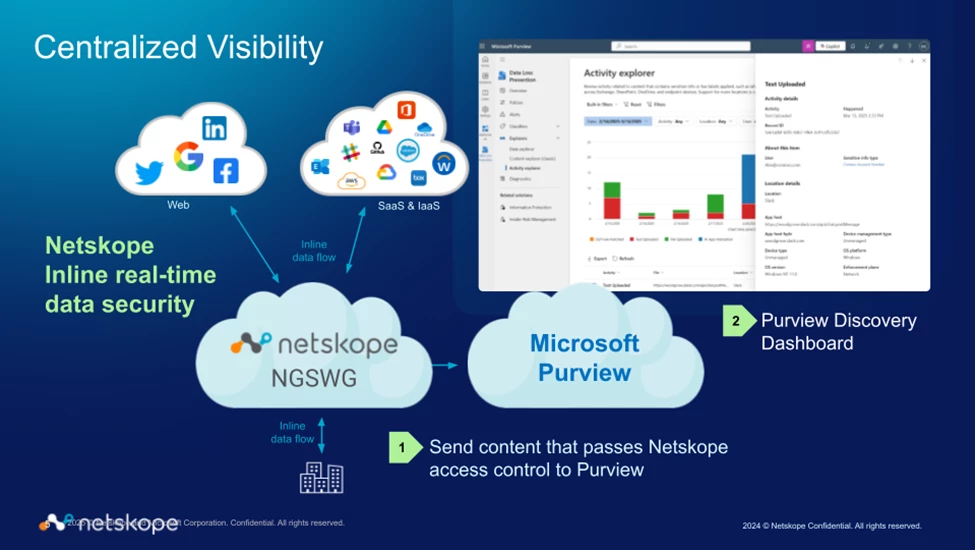
Via Netskope policy, web traffic will be sent to Microsoft Purview for inspection, Purview will signal back to Netskope to block traffic that triggers an Alert.
Purview setup
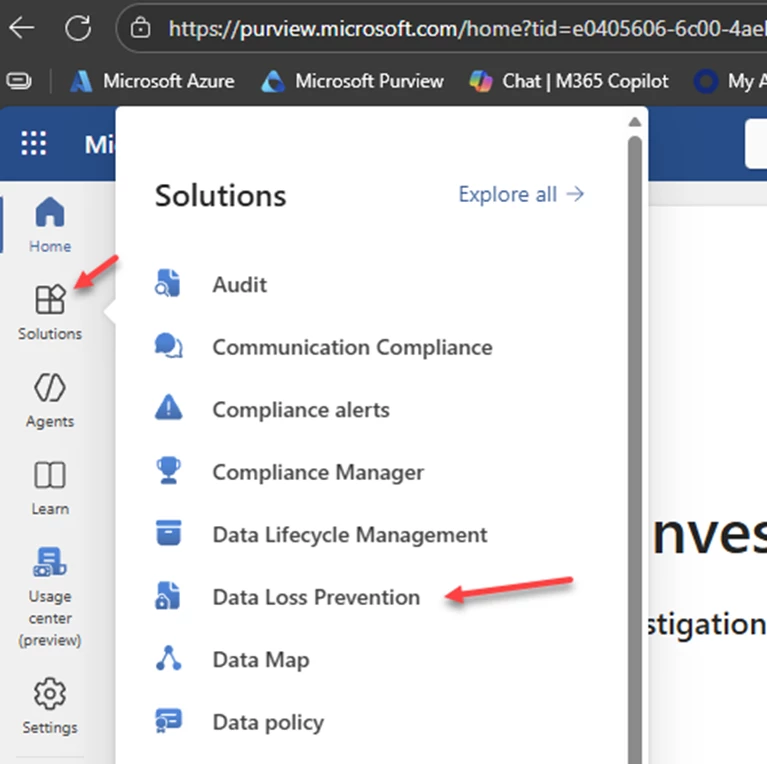
After you have the Netskope side setup go to https://purview.microsoft.com/ > Solutions > Data Loss Prevention
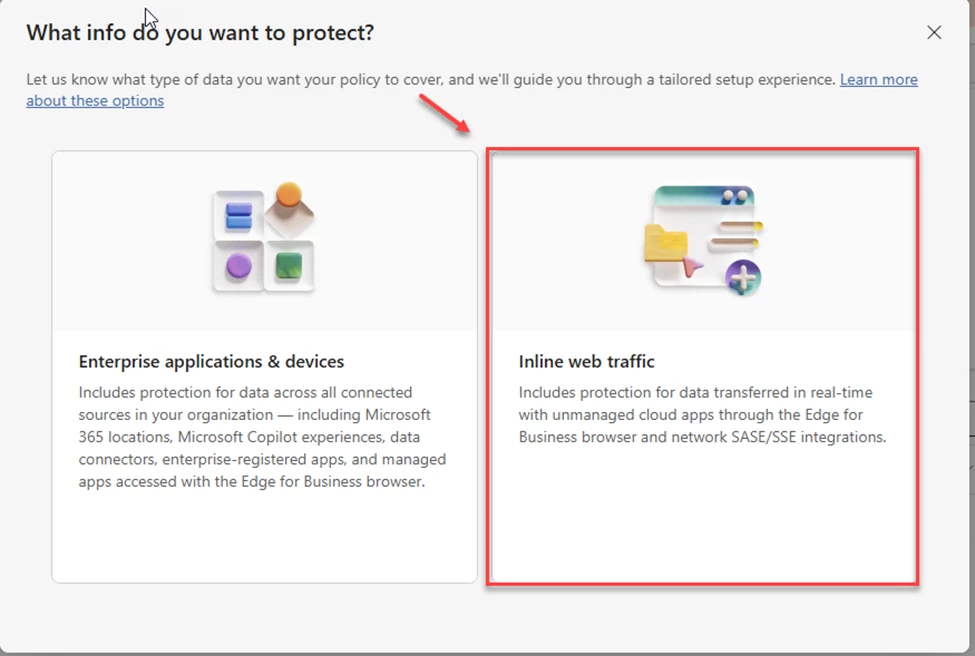
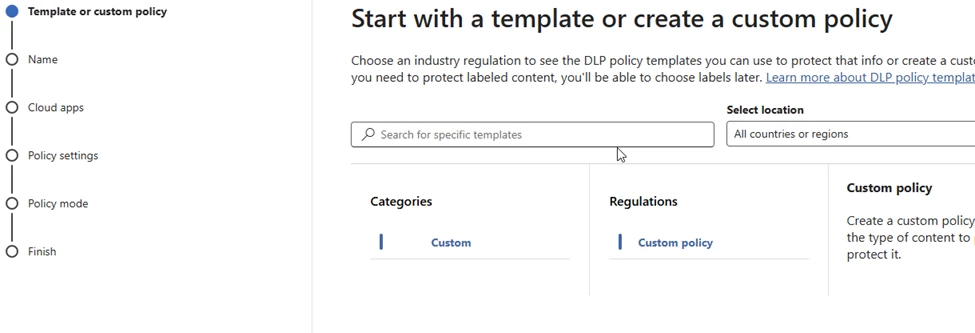
Create a new policy. Use the inline web traffic option.
This will be a custom policy.
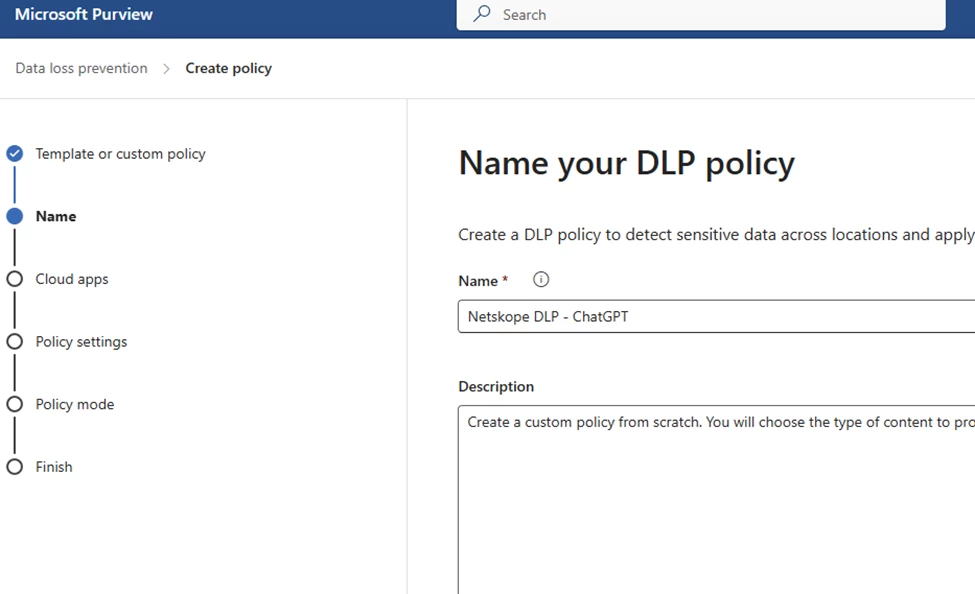
Give your policy a name. I am going to make this policy for ChatGPT traffic inspection. I have also tested with cloud storage using both Google Drive and MS Onedrive.
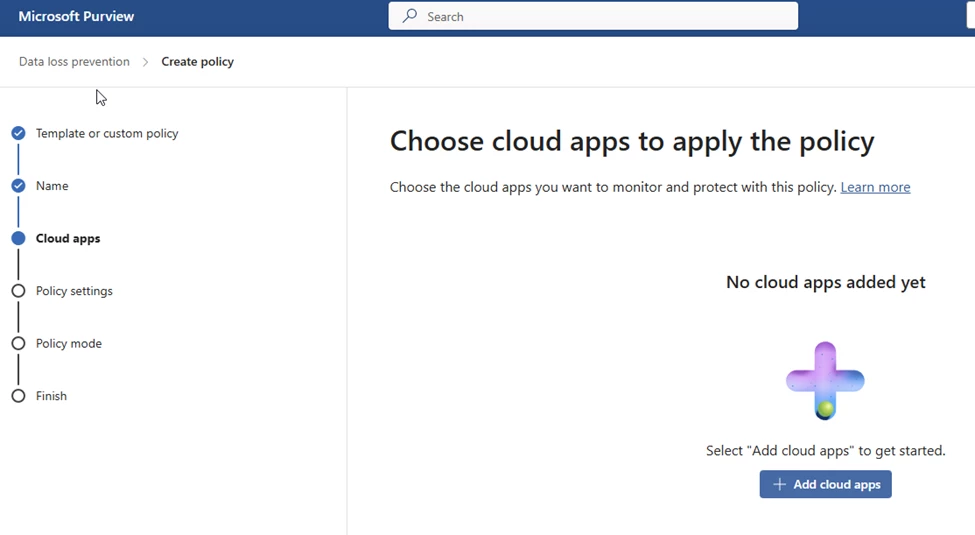
Add cloud apps
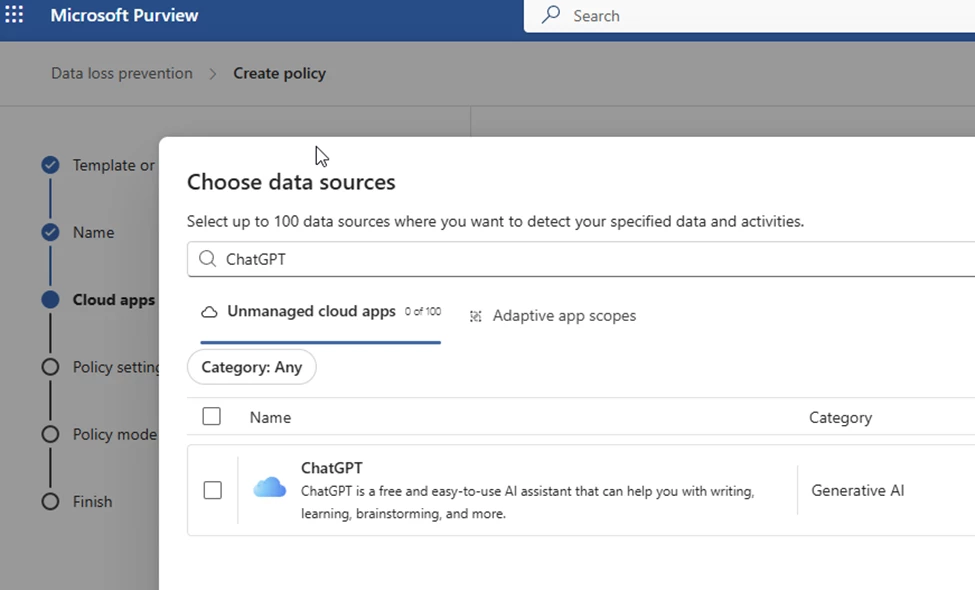
Select the ones that you want for this policy.
I am leaving both types of enforcement on. Network is the one I will be using for my testing.
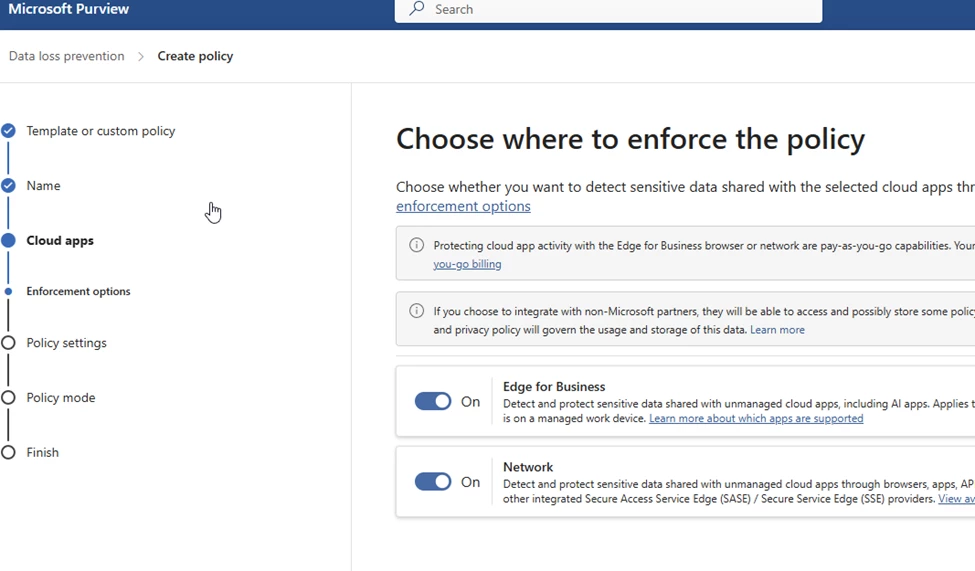
Create DLP rules.
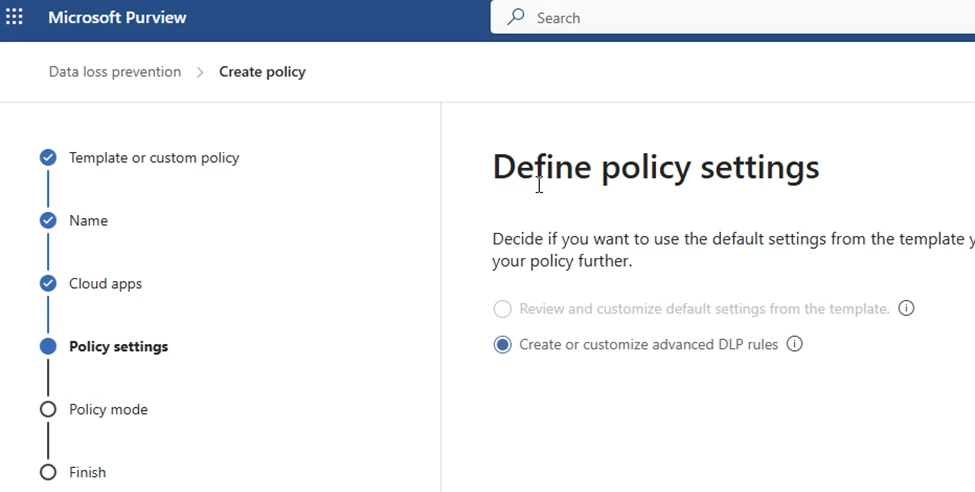
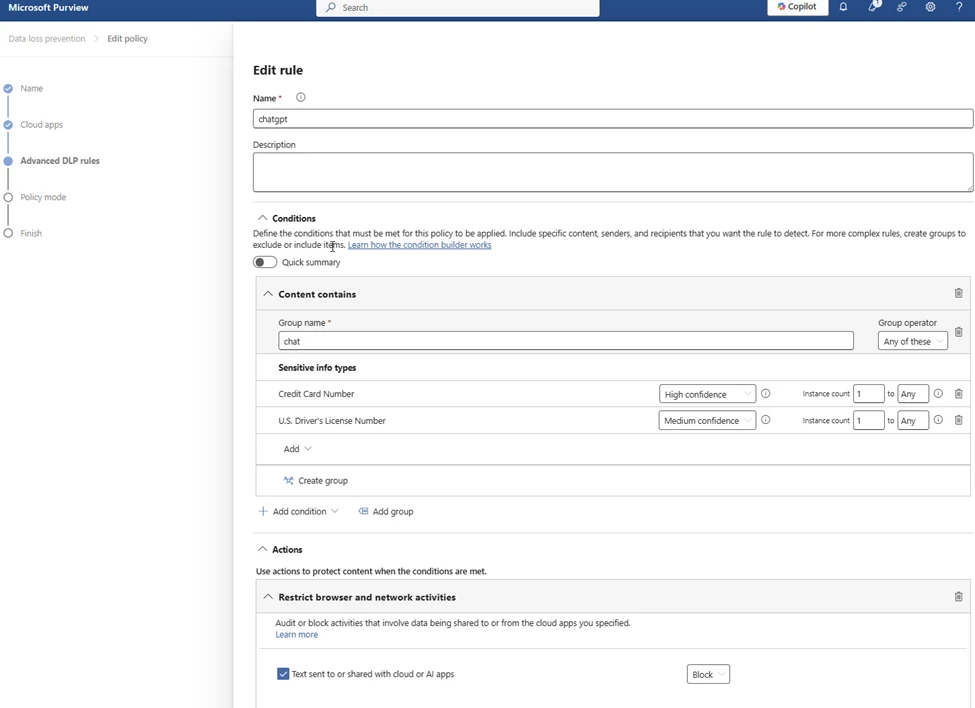
Create rule
Add a name
For Conditions and Content Contains, I am looking for credit cards and drivers licenses.
Block all actions.
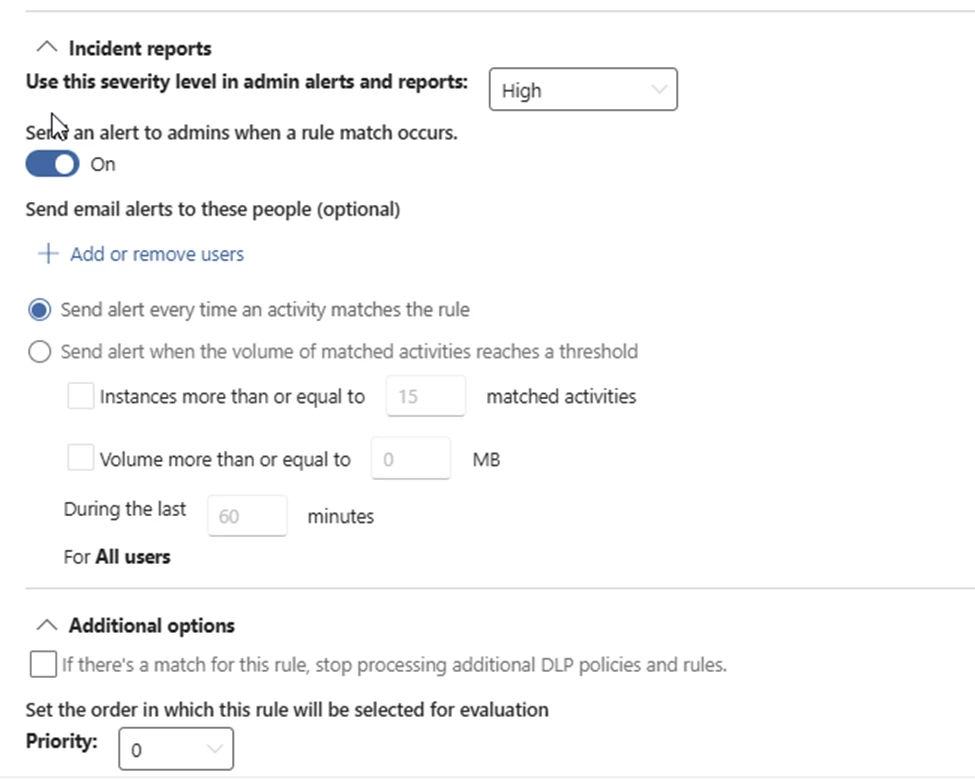
This is what I selected for the other options.
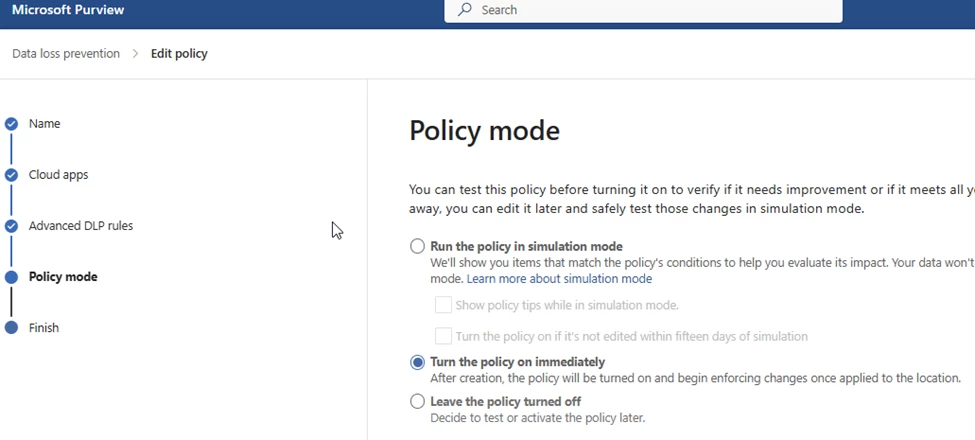
Turn on the policy and then submit it.
Testing the setup
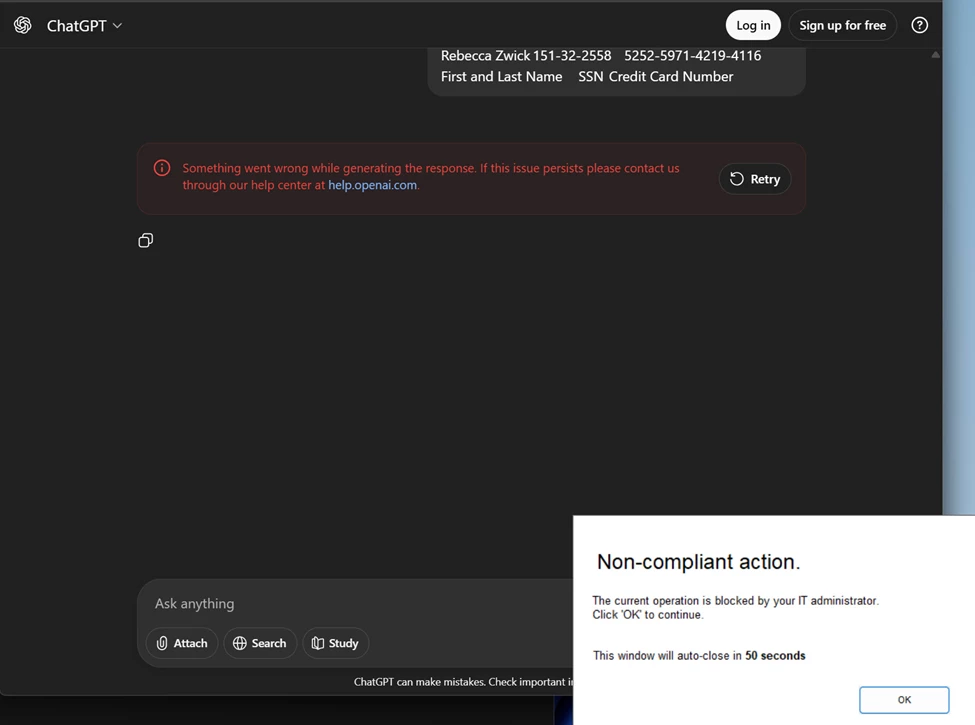
On my test laptop, I opened ChatGPT and put in some fake Credit Card and SSN numbers. Purview saw the DLP information that matched my Purview rule and it told Netskope to block the traffic from getting to ChatGPT.
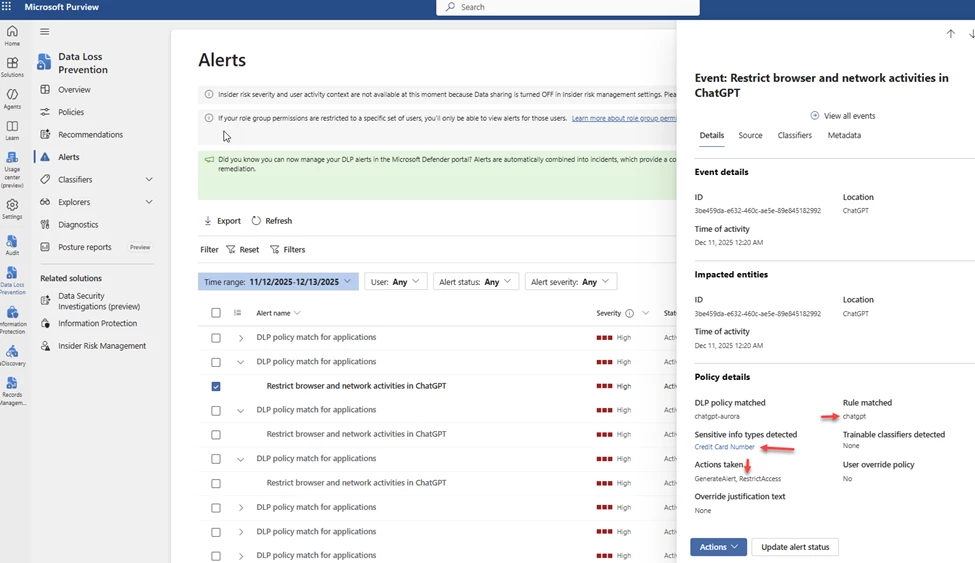
You can also see the Alert in Purview. Go back to DLP and then Alerts.
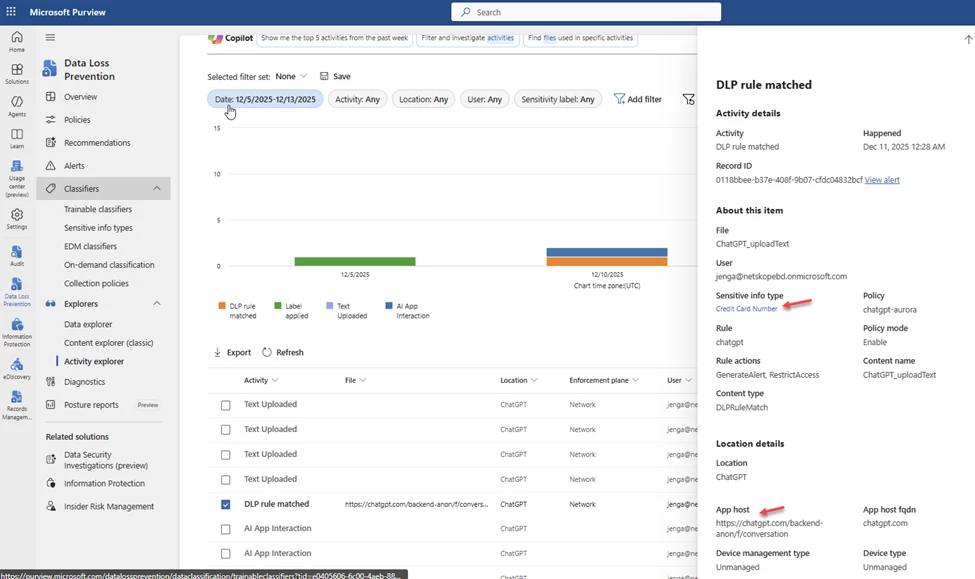
If you are testing, under Activity explorer the rule matches come in faster than the Alerts so it is a good place to check.
On Netskope you can see the Alerts come in from Microsoft Purview by going to Skope IT. By clicking on the hourglass, it will bring up the details of the Alert and you can see that the information for this block came from Purview. This traffic matches a Netskope Real Time Policy that I have that redirects traffic to Purview for inspection.
Microsoft Security Copilot AI Agents
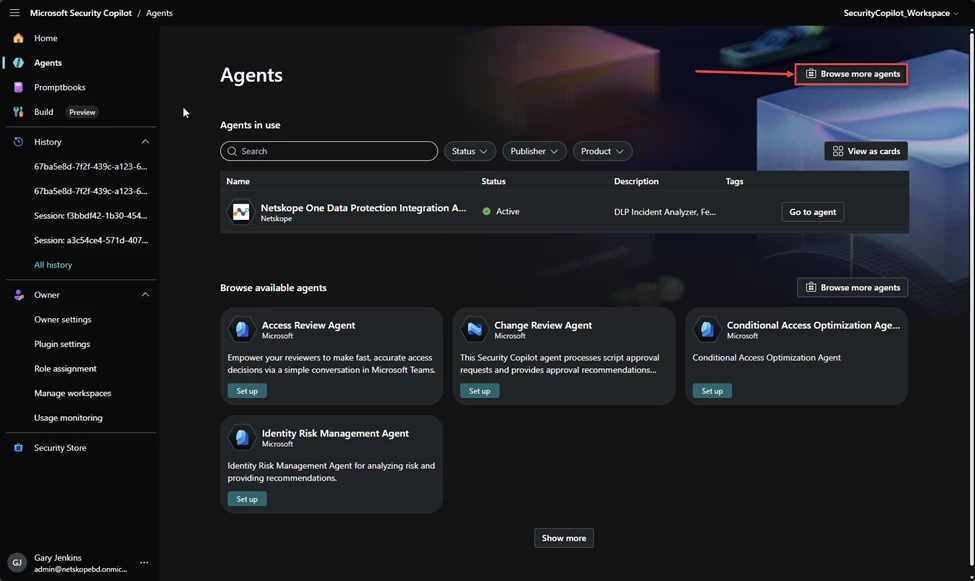
You can also use the Netskope One Data Protection Integration Agent with this setup. Go to >
And Browse more agents
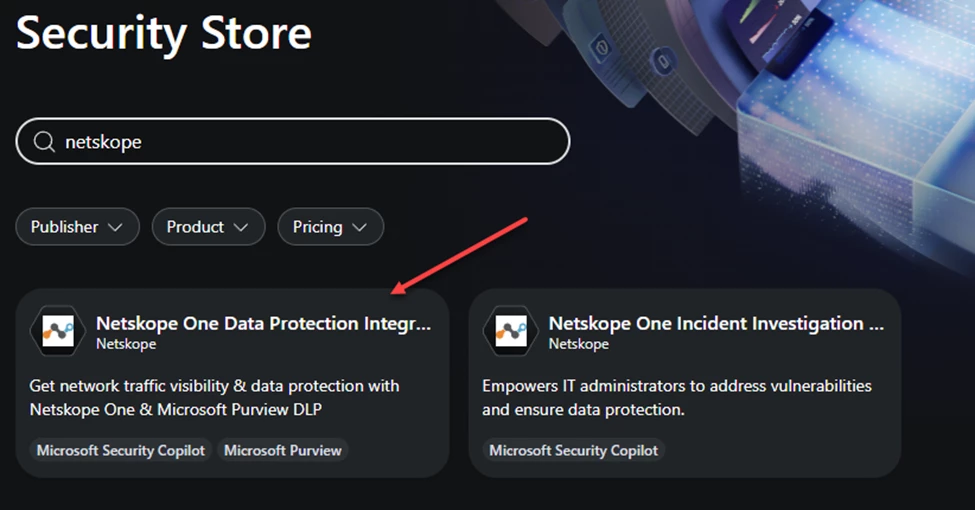
Search for Netskope and select Netskope One Data Protection Integration Agent
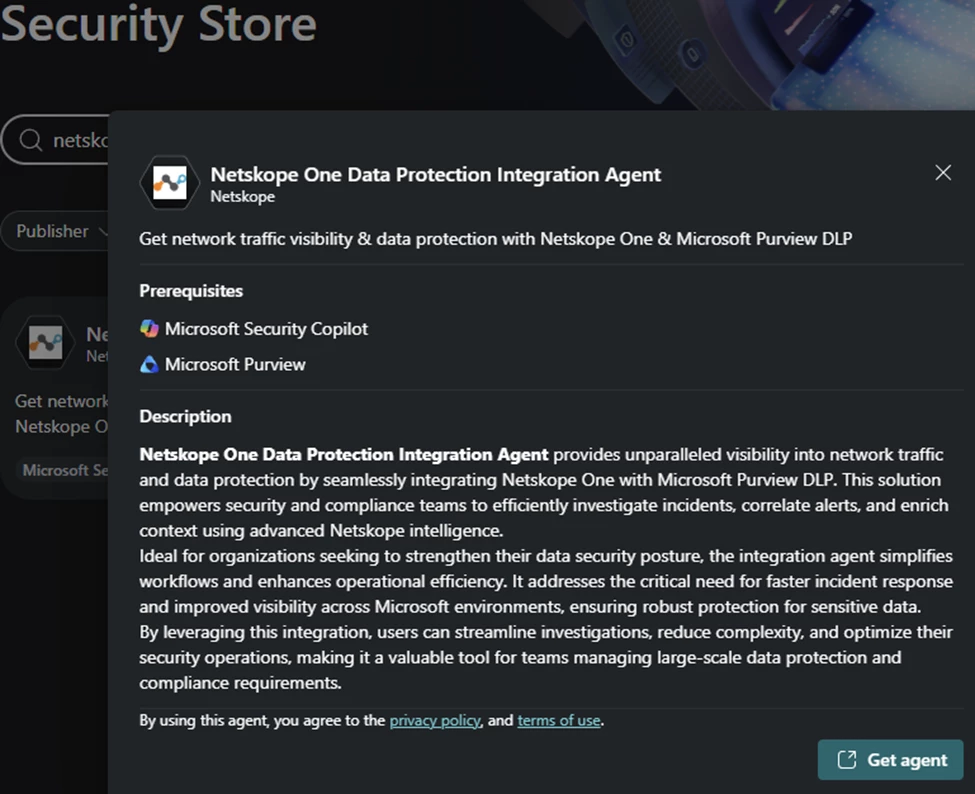
Get Agent
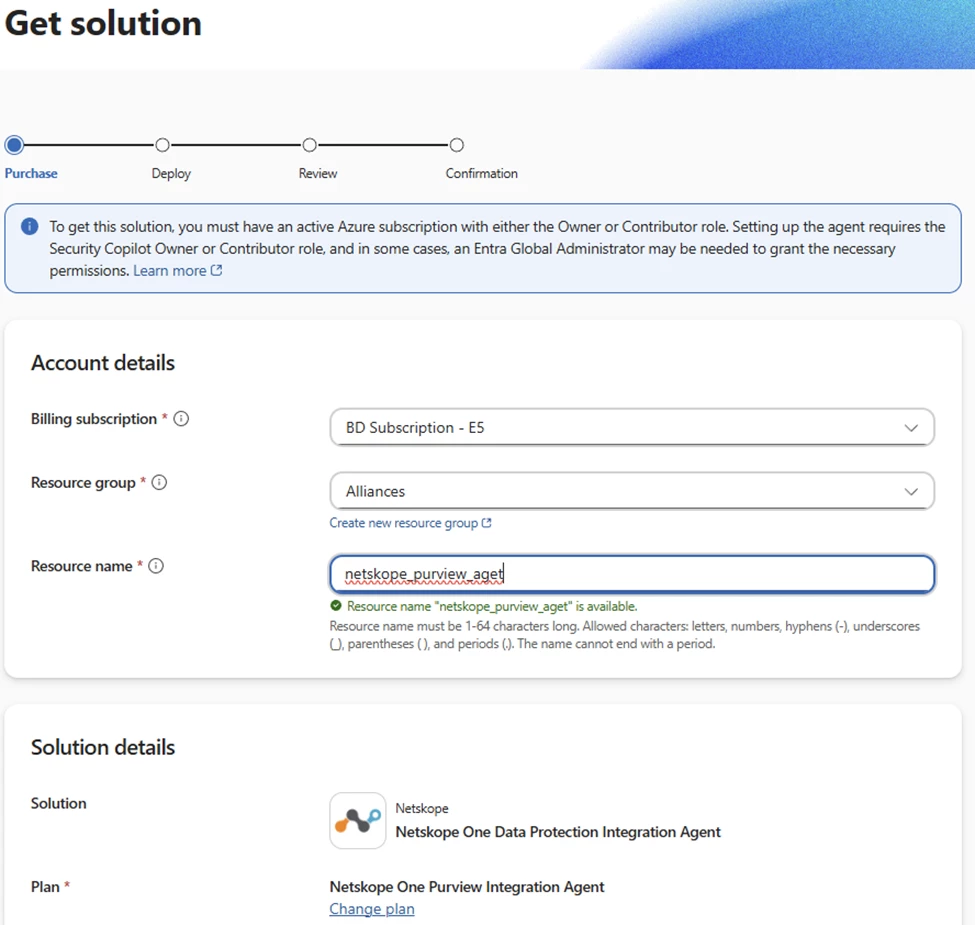
Add your billing, resource group and give it a name. There is no license cost for the agent.
Click next a couple of times and then Place order. (don’t mind my typo, I am sure there are others)
Once complete click on Use in Security Copilot
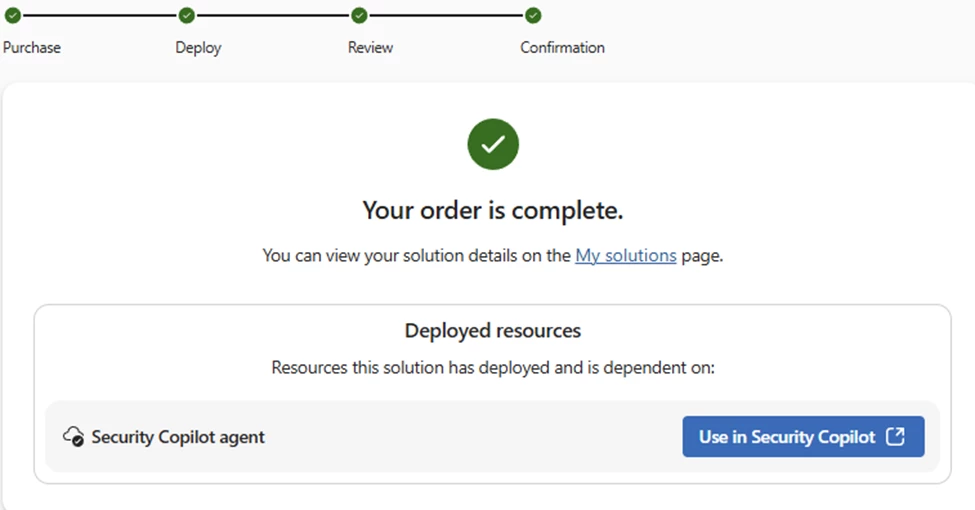
Walk through the set up.
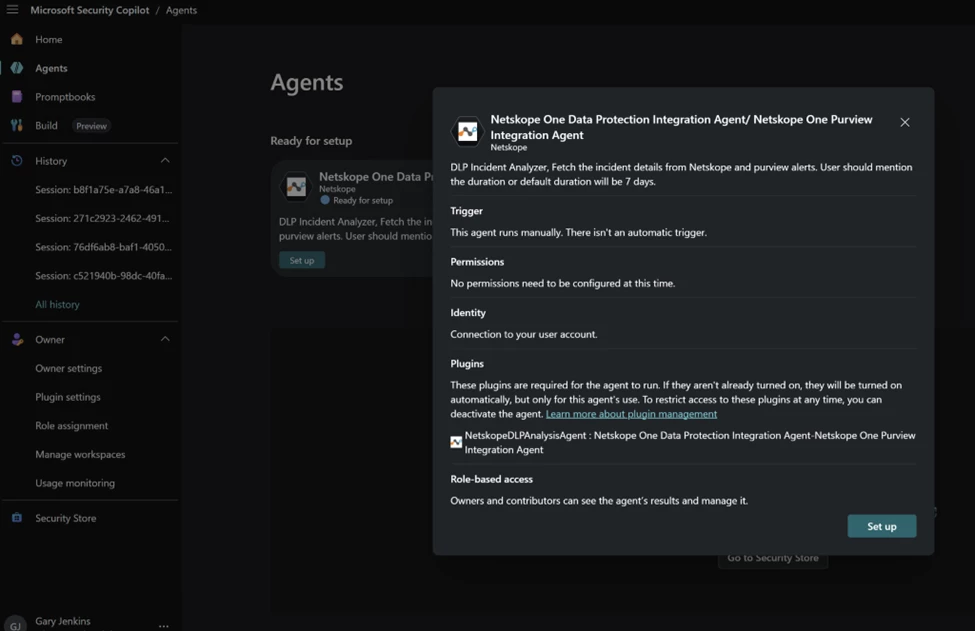
When you get to user_query, I put “Generate a report for recent DLP incidents”. This will be a drop down when you use the agent. You can also go back later and change it.
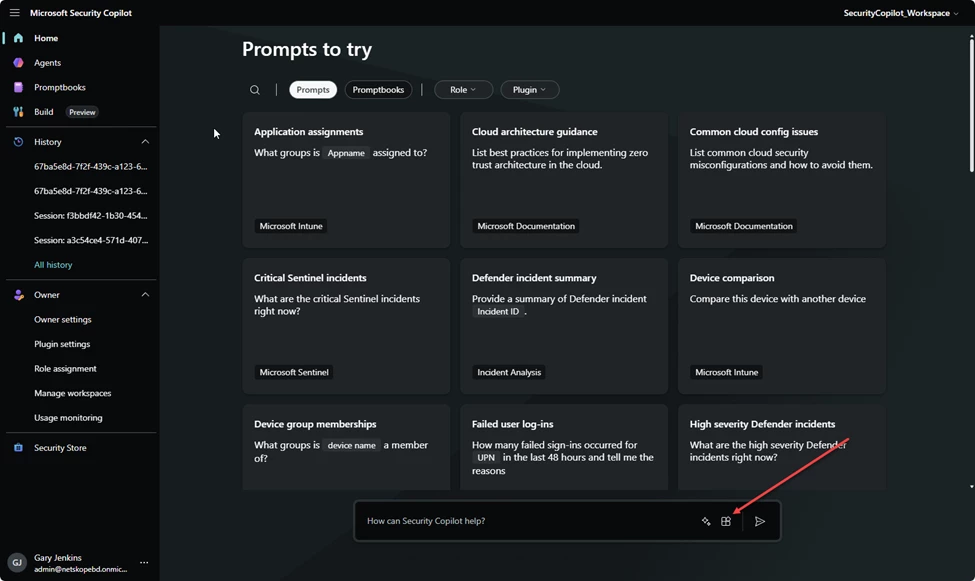
You will also need to set up the plugin. Go to Home and Sources.
Under Non-Microsoft select Show more
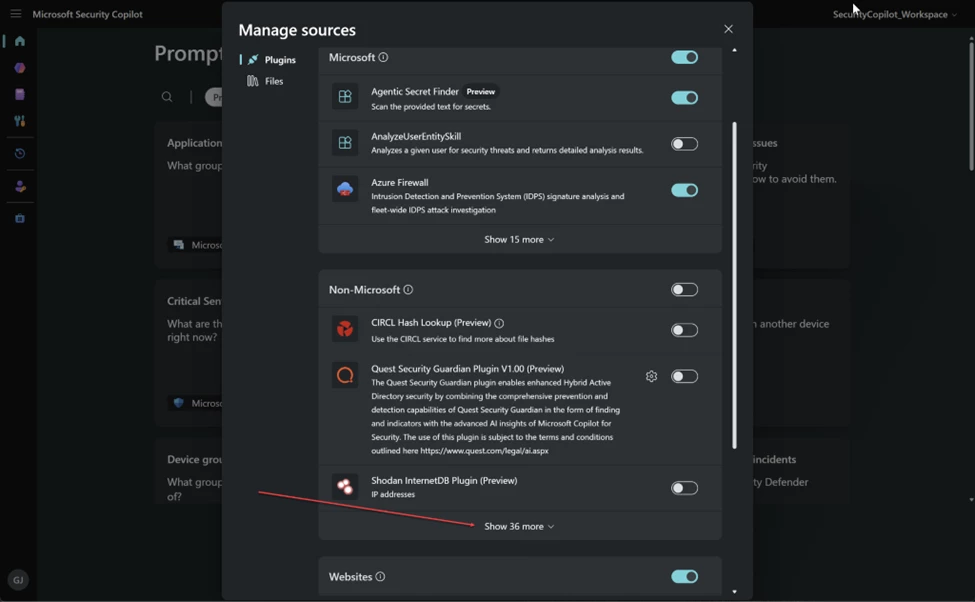
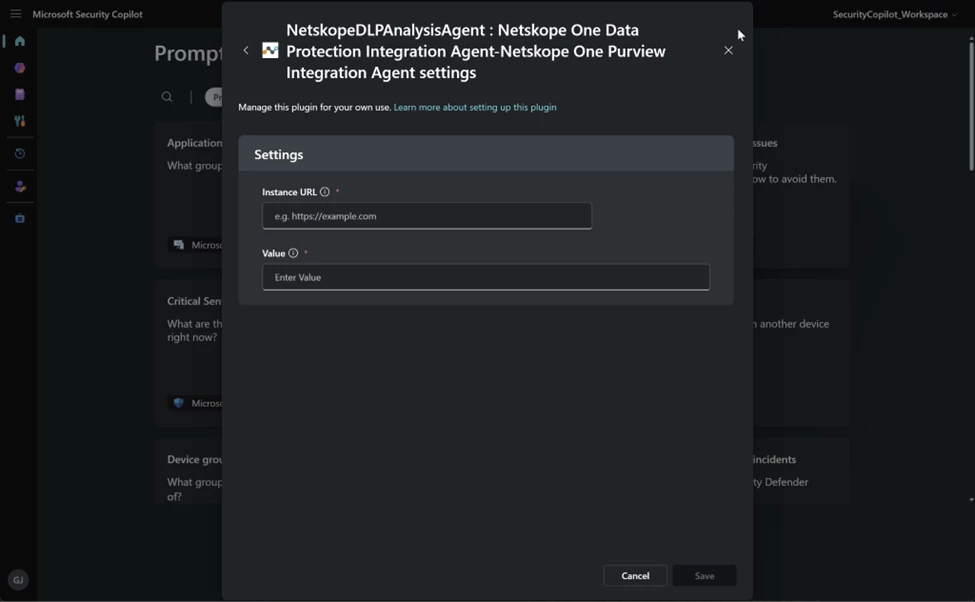
Enter your Netskope tenant url and your Netskope v2 API token. I used the Cloud Exchange preset one https://docs.netskope.com/en/roles-rbac-v3
Give it a try
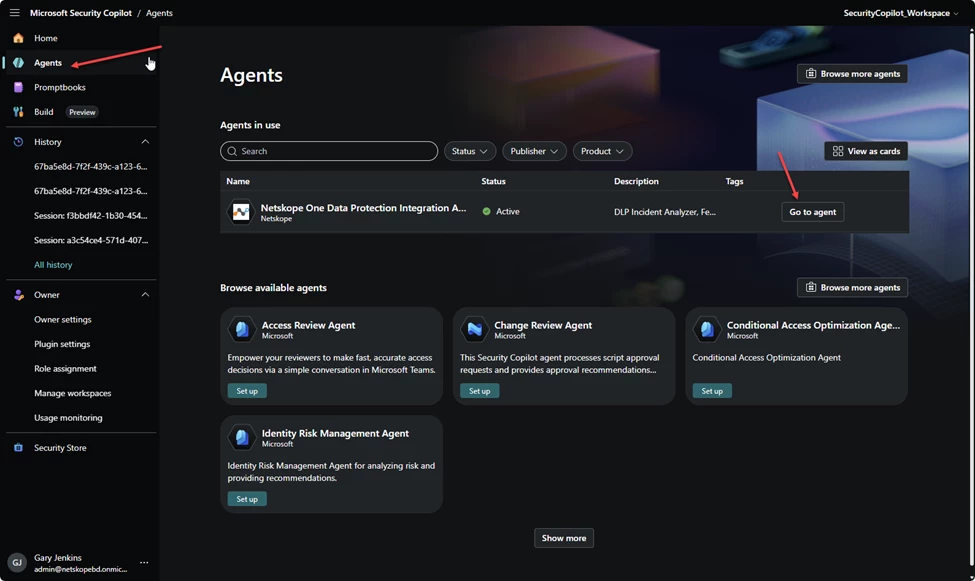
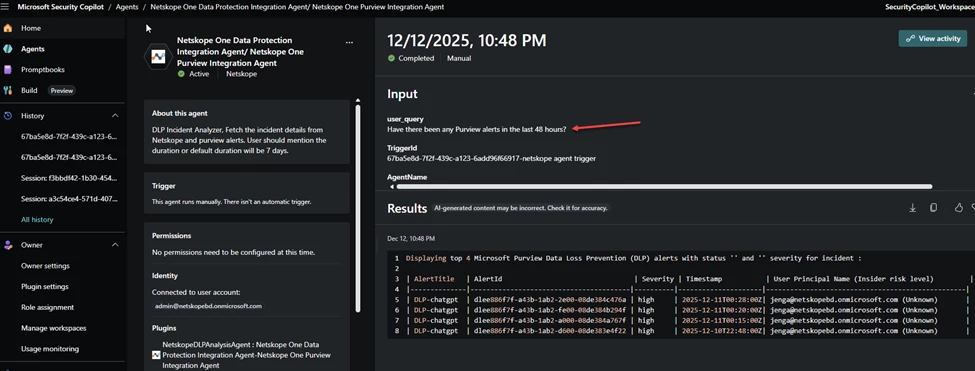
I asked if there have been any Purview alerts in the last 48 hours.