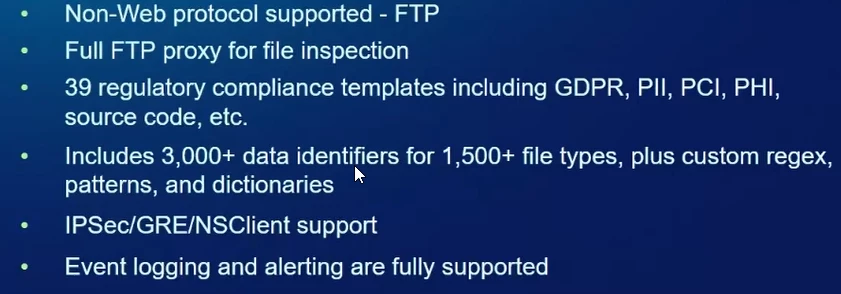
Yes you can enforce DLP for data exfiltration over FTP by inspecting FTP uploads through Netskope SWG and attaching a DLP profile to that traffic.
How you can validate
Route FTP through Netskope Make sure outbound FTP traffic is going through Netskope SWG (IPsec/GRE/explicit proxy) and visible in Web / Activity logs as FTP.
Create/choose a DLP profile Use or create a DLP profile with the sensitive data types you want to protect (e.g. source code, PII, PCI, etc.).
Create a Real‑time Protection (Web) policy
Scope to FTP (category/app or specific FTP domains).
Set Activity to Upload/Put (FTP upload).
Attach your DLP profile and set Action to Block (or Alert+Block).
Test Upload a test file that matches your DLP profile via FTP and verify it is blocked and generates a DLP incident.