


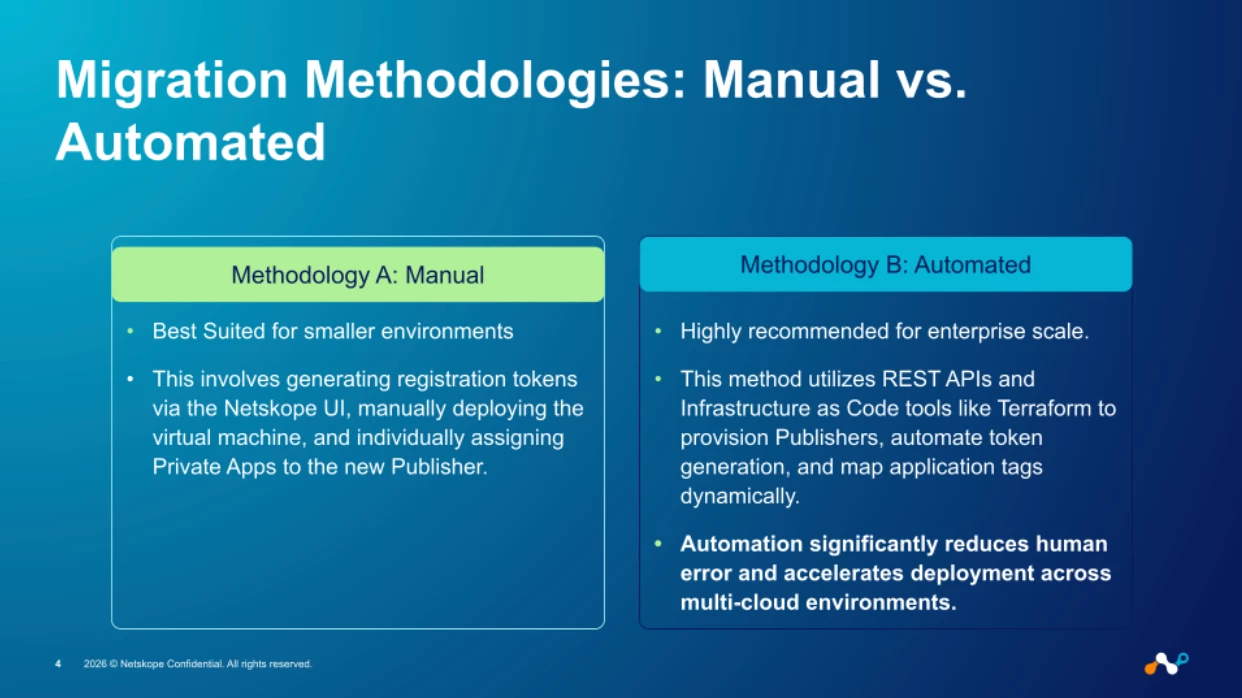
A publisher's identity is bound to a specific tenant through its registration token. "Moving" a publisher means unregistering it from the source tenant and re-registering it to the destination tenant. This can be done manually via the Publisher Wizard or automated via the Netskope REST API v2.
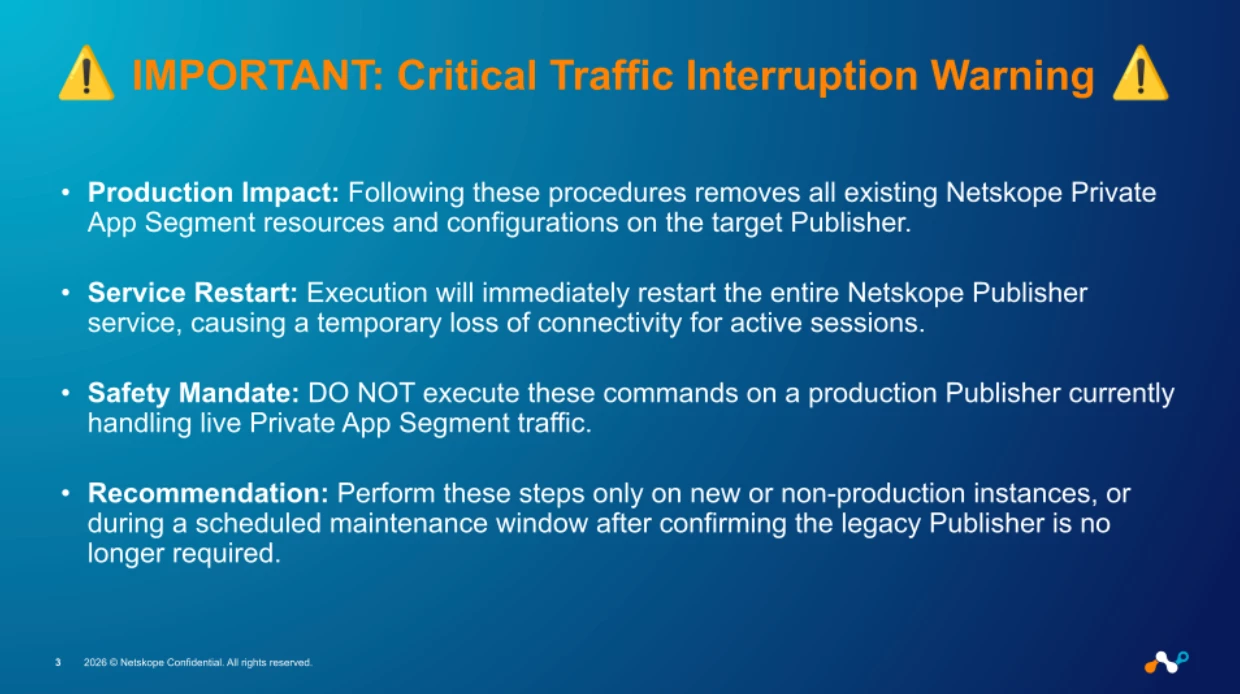
One critical thing to understand: private app segment definitions, steering policies, and upgrade profiles do not travel with the publisher. These are tenant-level configurations that you'll need to recreate on the destination side. Plan for that before you start.
The Manual Process
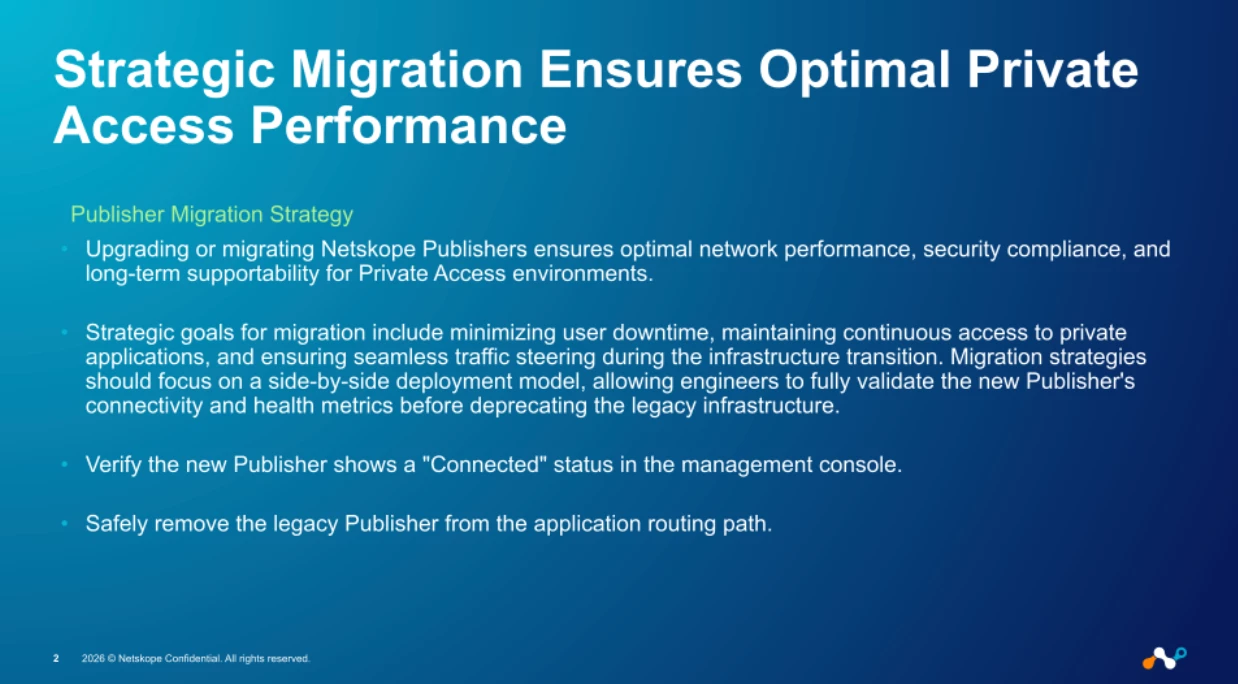
Moving a Netskope Publisher—whether for tenant consolidation, environment separation, or lab-to-production migration—is a common infrastructure task. While there is no native "transfer" button, the process is efficient when performed correctly. This guide details both manual and automated methods to migrate your Publishers while ensuring service continuity. It is ideal for moving one or two publishers
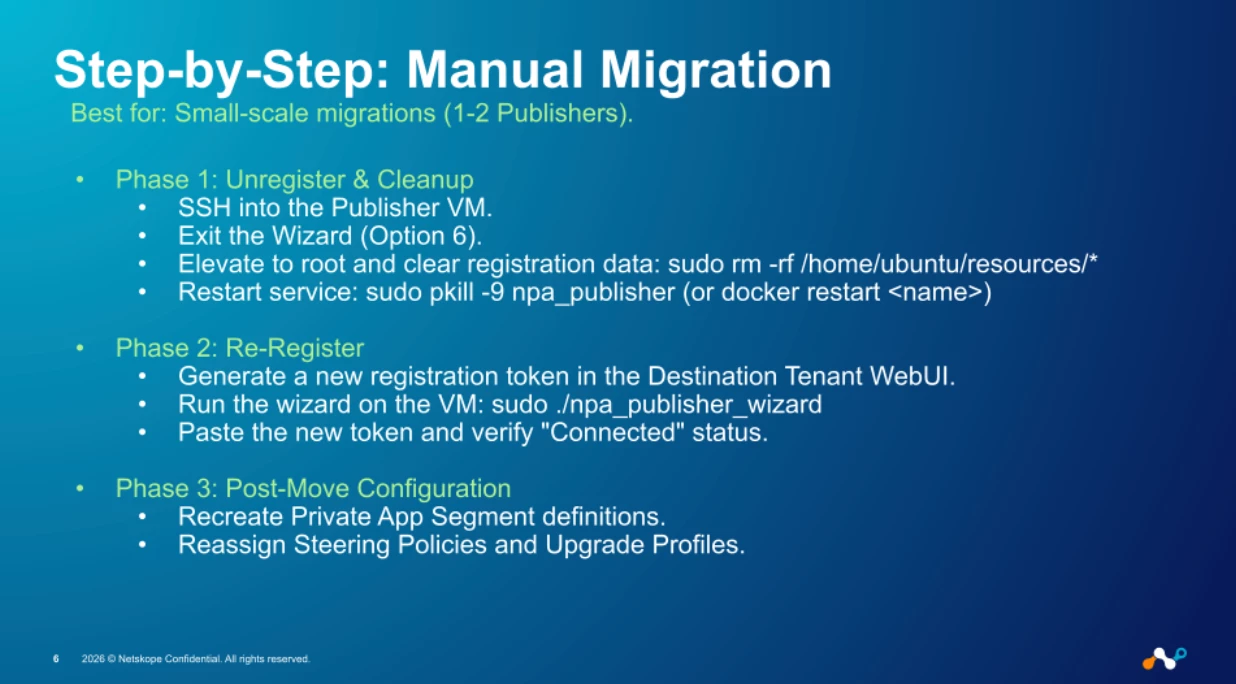
Step 1. Unregister from Source Tenant
SSH into the Publisher VM and exit the Wizard (typically option 6). Elevate to root and clear local registration data:
sudo su
sudo rm -rf /home/ubuntu/resources/*
Restart the publisher service:
# Native installs
sudo pkill -9 npa_publisher
# Docker installs
docker restart <container_name>
Verify status is "Not Registered" in the source WebUI (Settings > Security Cloud Platform > Publisher) and optionally delete the old entry.
Step 2. Register on the Destination Tenant
- Log into the destination WebUI and navigate to Settings > Security Cloud Platform > Publisher.
- Create a new publisher entry and generate a registration token.
- On the Publisher VM, run the wizard and select Option 1 (Register):
sudo /home/ubuntu/npa_publisher_wizard
- Paste the token and verify the "Connected" status in the destination WebUI.
Step 3: Post-Move Configuration
- Recreate private app segment definitions.
- Reassign steering policies and the appropriate upgrade profile.
- Validate connectivity to internal applications.
Automated Process (REST API v2)
Prerequisites
- API v2 token with read/write permissions for both tenants.
- SSH or remote execution access to the Publisher VM.
- Source Publisher ID and the 'jq' utility for JSON parsing.
Workflow Steps
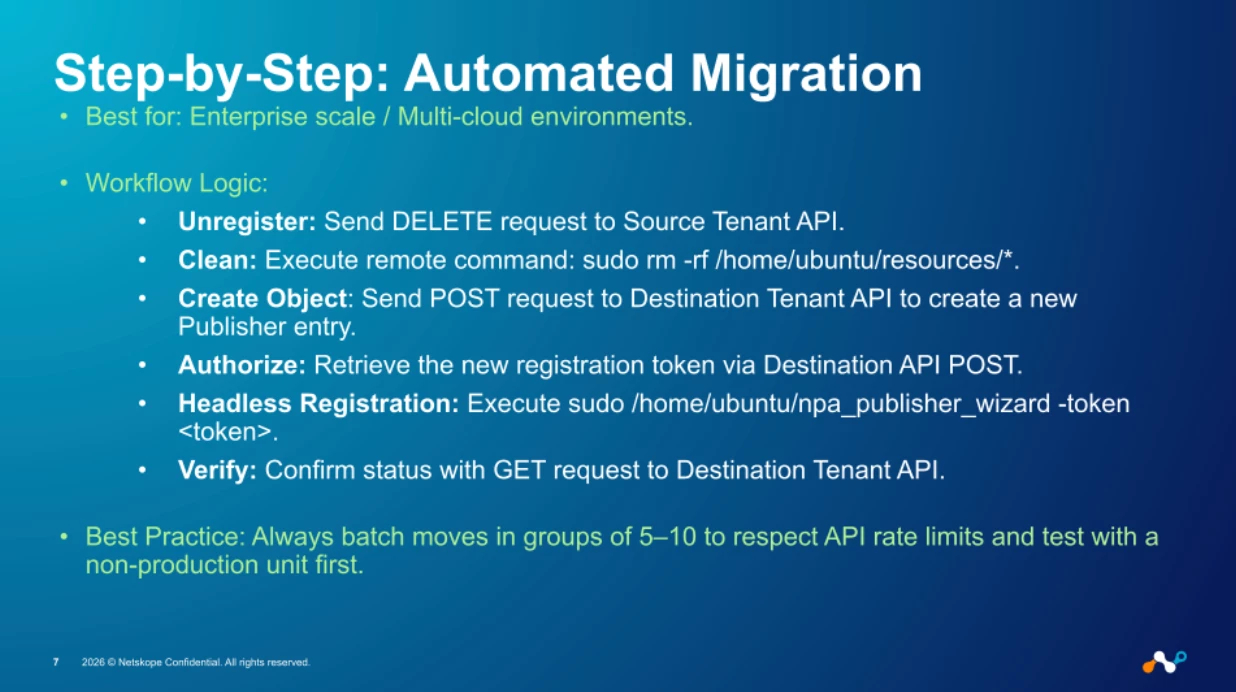
Step 1: Unregister via API (Source Tenant)
DELETE https://<your-source-tenant>.goskope.com/api/v2/infrastructure/publishers/<publisher_id>
Headers: Netskope-Api-Token: <source_tenant_api_token>
Clean up the VM:
sudo rm -rf /home/ubuntu/resources/*
sudo pkill -9 npa_publisher
Step 2: Create Publisher Object (Destination Tenant)
POST https://<your-dest-tenant>.goskope.com/api/v2/infrastructure/publishers
Headers: Netskope-Api-Token: <dest_tenant_api_token>
Body: { "name": "<publisher_name>", "lbrokerconnect": false }
Step 3: Retrieve Registration Token
POST https://<your-dest-tenant>.goskope.com/api/v2/infrastructure/publishers/<new_publisher_id>/registration_token
Headers: Netskope-Api-Token: <dest_tenant_api_token>
Step 4: Headless Registration
sudo /home/ubuntu/npa_publisher_wizard -token <registration_token>Step 5: Verify Connection
GET https://<your-dest-tenant>.goskope.com/api/v2/infrastructure/publishers/<new_publisher_id>Automation Script Example (Bash)
#!/bin/bash
# move_publisher.sh
# Usage: ./move_publisher.sh <publisher_id> <publisher_name> <vm_host>
SOURCE_TENANT="your-source-tenant.goskope.com"
DEST_TENANT="your-dest-tenant.goskope.com"
SOURCE_TOKEN="<source_api_token>"
DEST_TOKEN="<dest_api_token>"
PUB_ID=$1
PUB_NAME=$2
VM_HOST=$3
echo "Unregistering publisher from source tenant..."
curl -X DELETE "https://$SOURCE_TENANT/api/v2/infrastructure/publishers/$PUB_ID" \
-H "Netskope-Api-Token: $SOURCE_TOKEN"
echo "Cleaning up VM..."
ssh $VM_HOST "sudo rm -rf /home/ubuntu/resources/* && sudo pkill -9 npa_publisher"
echo "Creating publisher on destination tenant..."
NEW_PUB=$(curl -s -X POST "https://$DEST_TENANT/api/v2/infrastructure/publishers" \
-H "Netskope-Api-Token: $DEST_TOKEN" \
-H "Content-Type: application/json" \
-d "{\"name\": \"$PUB_NAME\", \"lbrokerconnect\": false}")
NEW_PUB_ID=$(echo $NEW_PUB | jq -r '.data.id')
echo "Retrieving registration token..."
TOKEN_RESP=$(curl -s -X POST \
"https://$DEST_TENANT/api/v2/infrastructure/publishers/$NEW_PUB_ID/registration_token" \
-H "Netskope-Api-Token: $DEST_TOKEN")
REG_TOKEN=$(echo $TOKEN_RESP | jq -r '.data.token')
echo "Registering publisher on VM..."
ssh $VM_HOST "sudo /home/ubuntu/npa_publisher_wizard -token $REG_TOKEN"
echo "Done. Verify status in destination tenant WebUI."
Considerations for Bulk Migrations
- Batch moves in groups of 5–10 to respect API rate limits.
- Maintain a CSV mapping of Source vs. Destination IDs for auditing.
- Automate segment and policy recreation using the same API v2 framework.
- Test with a non-production unit before executing bulk operations.
Maintaining Redundancy During Migration
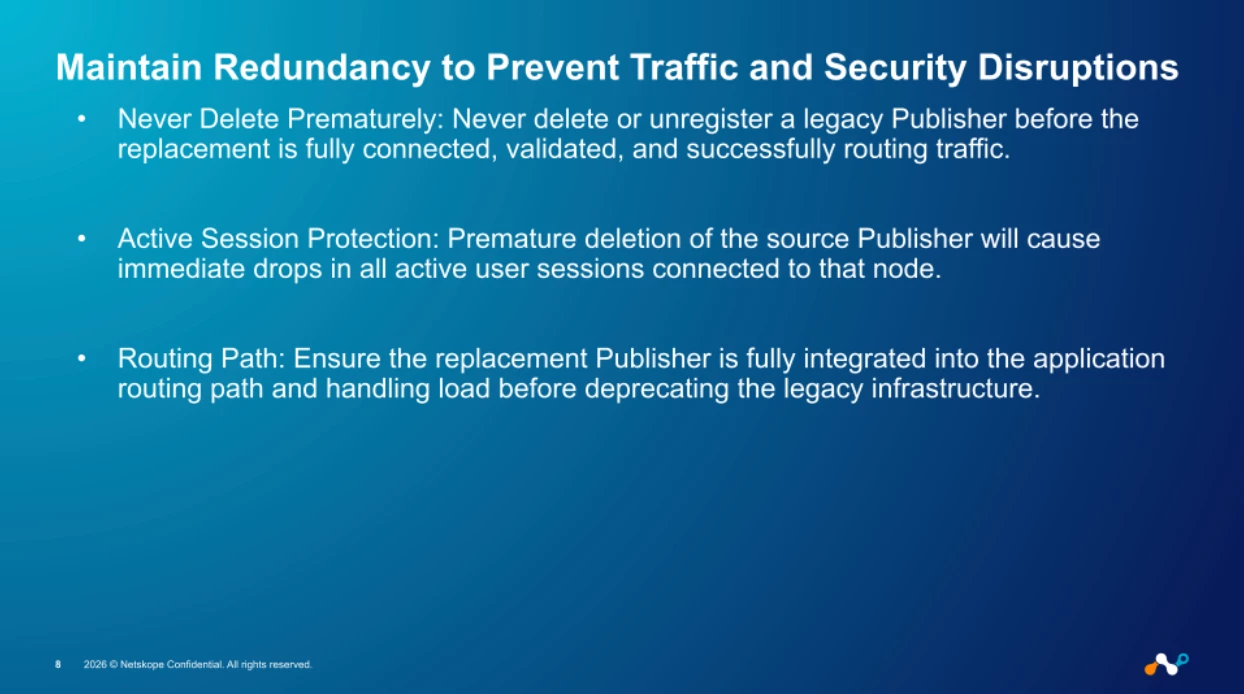
The single most consequential mistake in publisher migration is deleting the source publisher before the replacement is fully validated. A premature deletion doesn't just create an outage—it immediately drops every active user session routed through that publisher with no graceful failover.
Before unregistering or deleting any legacy publisher:
- Confirm the replacement publisher shows "Connected" status in the destination tenant console.
- Verify that it is actively routing traffic by checking Network Events in the Netskope console for the new publisher ID.
- Validate end-to-end application connectivity from at least one client device steering through the new publisher.
- If the publisher is part of an Active-Active pair, ensure the remaining publisher(s) can absorb the full session load before removing the migrated unit.
For environments with strict uptime requirements, perform the migration during a scheduled maintenance window and keep the source publisher registered (but idle) for at least 24 hours post-cutover as a rollback path.
Scaling Migrations with Tags and API Automation
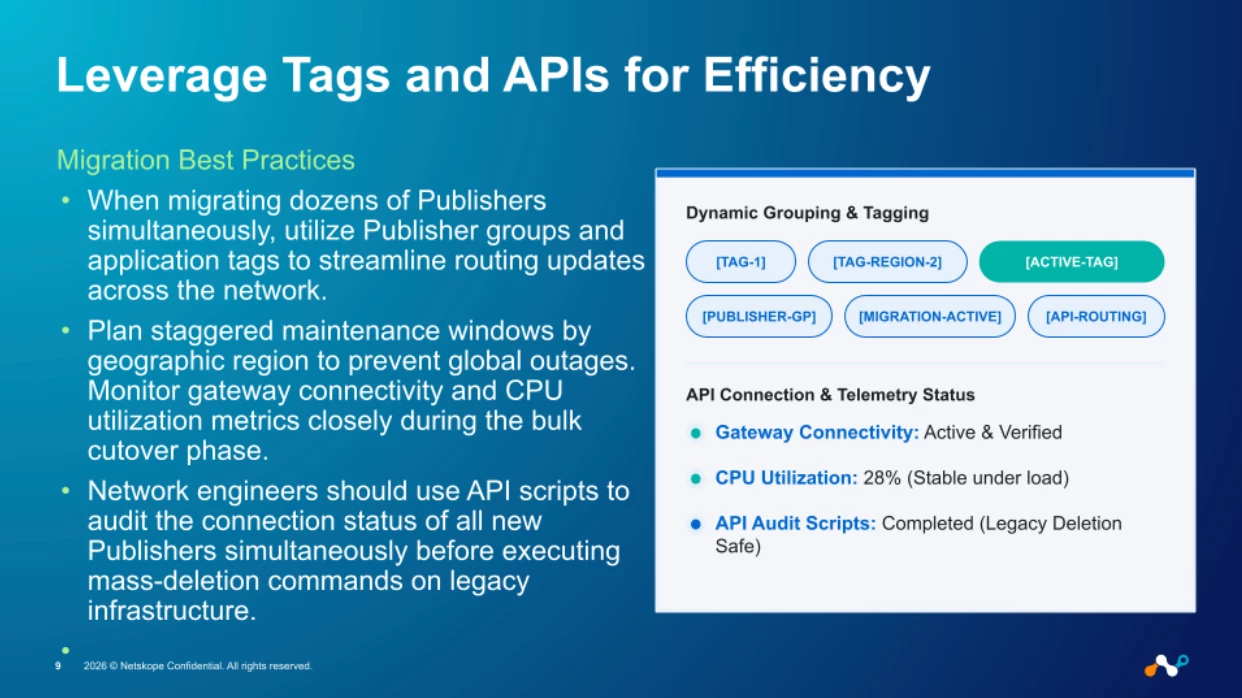
When migrating more than a handful of publishers, individual manual moves become operationally risky. Publisher groups and application tags are your primary tools for managing routing at scale.
Application tags decouple private app definitions from individual publisher IDs. Instead of reassigning each private app to a new publisher one-by-one, tag your apps by function or region (e.g., tag:datacenter-east, tag:saas-connectors) and associate the tags with publisher groups. When a new publisher joins the group, it automatically inherits the app associations.
API audit scripts should be part of every bulk migration runbook. Before executing mass-deletion commands on legacy infrastructure, run a GET /api/v2/infrastructure/publishers sweep across all new publisher IDs and programmatically confirm that each shows status: connected. The bash script from the previous section can be extended to loop through a CSV of publisher mappings and generate a pass/fail report.
Operational guidelines for bulk migrations:
- Stagger by region. Never migrate all publishers globally in a single window. Plan regional waves (e.g., US-West → US-East → EMEA → APAC) to contain blast radius.
- Monitor gateway connectivity and CPU utilization on each new publisher during the cutover phase. A publisher running above 80% CPU under migration load needs attention before you proceed.
- Maintain a source-to-destination ID mapping (CSV or database) for post-migration auditing and rollback reference.
Post-Migration Validation
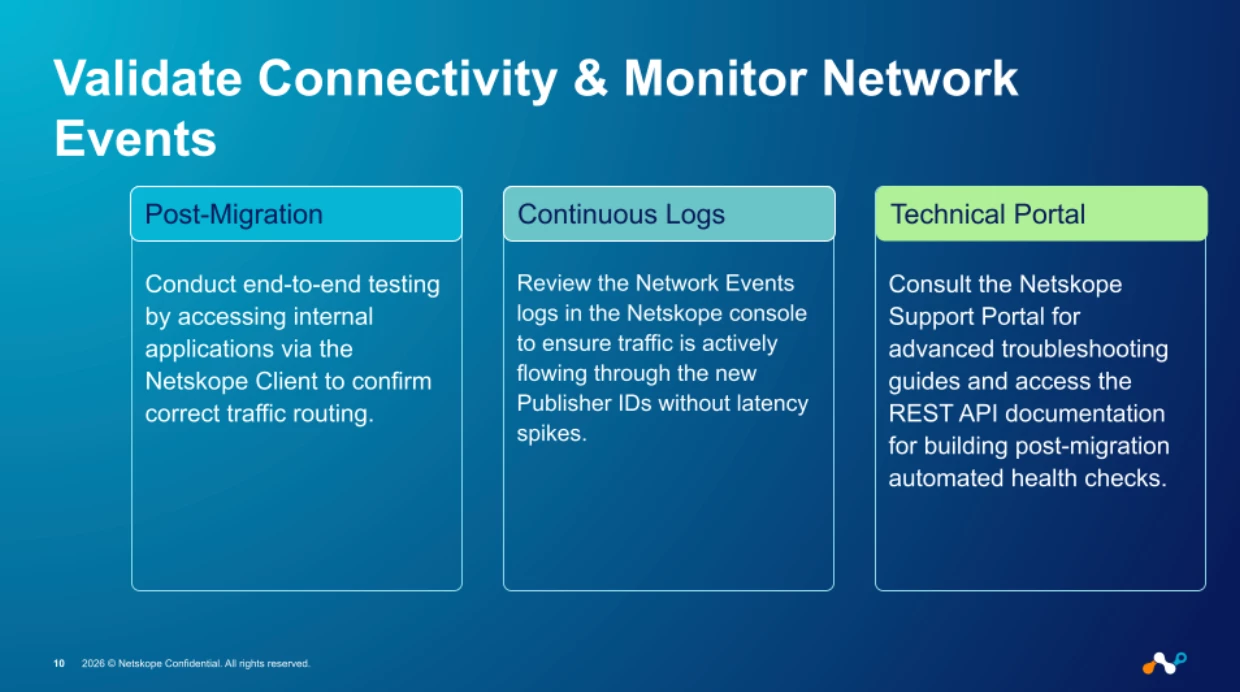
Migration isn't complete when the publisher shows "Connected." True validation requires confirming that real user traffic is flowing correctly through the new infrastructure.
- Step 1: End-to-end application testing. From a client device steered through the destination tenant, access each private application that was served by the migrated publisher. Confirm that latency and throughput are within expected parameters—not just that the connection succeeds.
- Step 2: Network Events log review. In the Netskope console, navigate to SkopeIT → Network Events and filter by the new publisher ID. Verify:
- Traffic volume is consistent with pre-migration baselines.
- No unexpected latency spikes or connection resets.
- The old publisher ID is no longer appearing in new events (confirming full cutover).
- Step 3: Automated health checks. For ongoing monitoring, build a lightweight health-check script using the REST API v2. A periodic GET /api/v2/infrastructure/publishers/<id> call that alerts on any status other than connected provides an early warning system for post-migration drift.
Addendum: Technical Notes and Docker Support
Note on lbrokerconnect
The examples in this guide use "lbrokerconnect": false in the POST body when creating the publisher object on the destination tenant. This is the correct setting for standard (non-load-balanced) deployments where each publisher registers directly. If your publisher is deployed behind a load balancer (e.g., multiple publisher VMs behind an NLB/ALB for high availability), set "lbrokerconnect": true in the request body:
- Body: { "name": "<publisher_name>", "lbrokerconnect": true }
- Failure to set this correctly will result in the publisher registering but not participating in the load-balanced group, leading to asymmetric traffic routing.
Note on Wizard Path
The manual steps reference sudo /home/ubuntu/npa_publisher_wizard, which assumes your working directory is /home/ubuntu. For scripts and automation (especially when executing via SSH), always use the fully qualified path to avoid "command not found" errors:
- sudo /home/ubuntu/npa_publisher_wizard -token <registration_token>
- This is especially important in cron jobs, Ansible playbooks, or any non-interactive execution context where the shell may not start in the publisher's home directory.
Updated Resource Links
- Netskope Support Portal: https://support.netskope.com For advanced troubleshooting, diagnostic bundle generation, and support case creation.
- Netskope REST API v2 Documentation: https://docs.netskope.com/en/netskope-help/admin/rest-api/rest-api-v2-overview/ — Complete endpoint reference for publishers, private apps, policies, and building automated migration and post-migration monitoring workflows.
- Publisher Management Guide: https://docs.netskope.com/en/netskope-help/admin/private-access/publisher-management/



