
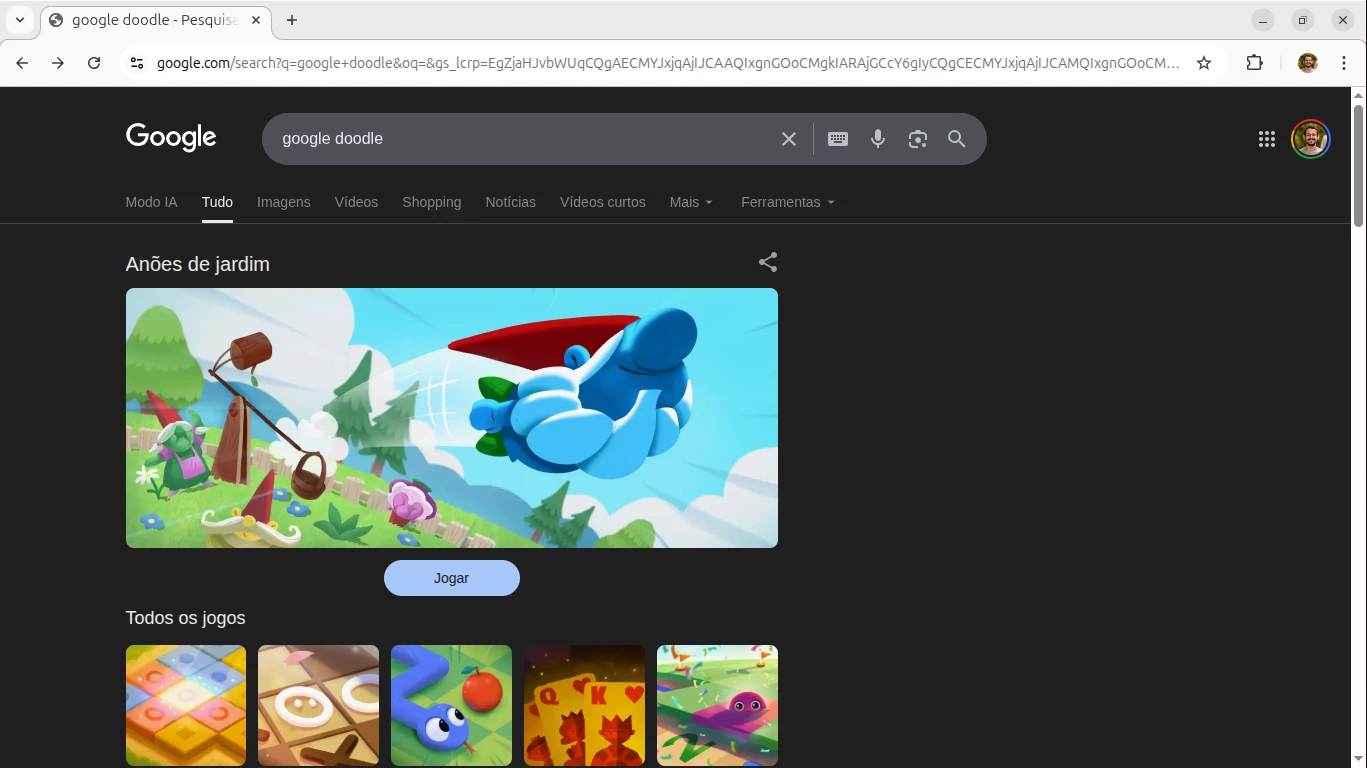
Google Doodles are a creative and engaging way for Google to celebrate events, historical figures, and global moments. However, many of these Doodles include interactive games, which can become a distraction in corporate environments.
While seemingly harmless, these games can:
- Reduce employee productivity during working hours
- Increase non-work-related internet usage
- Bypass traditional “Games” category controls
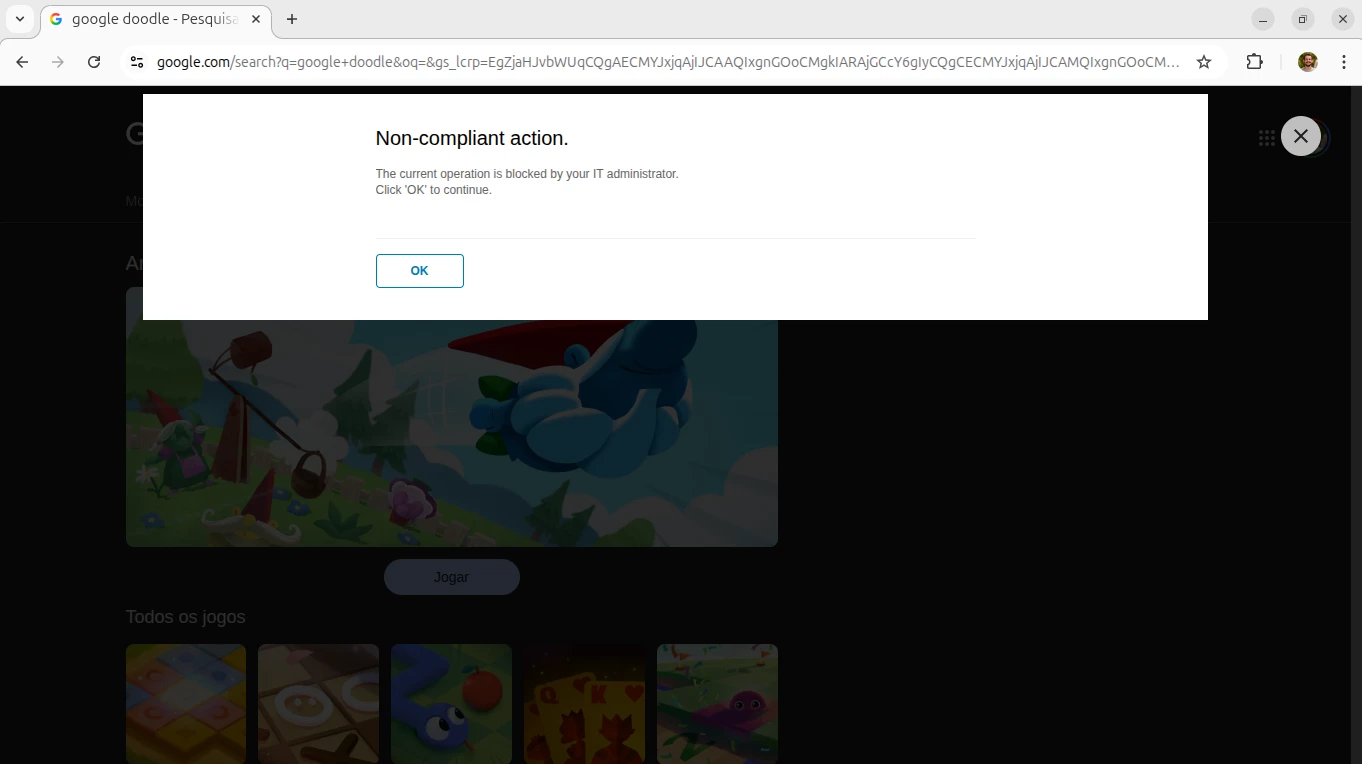
This post explains how to effectively control access to Google Doodle games using Netskope SWG, without impacting legitimate business use of Google Search.
🚨 The Challenge
At first glance, blocking Google Doodle games seems straightforward—just block the “Games” category, right?
Unfortunately, that approach does not work in this case.
Why?
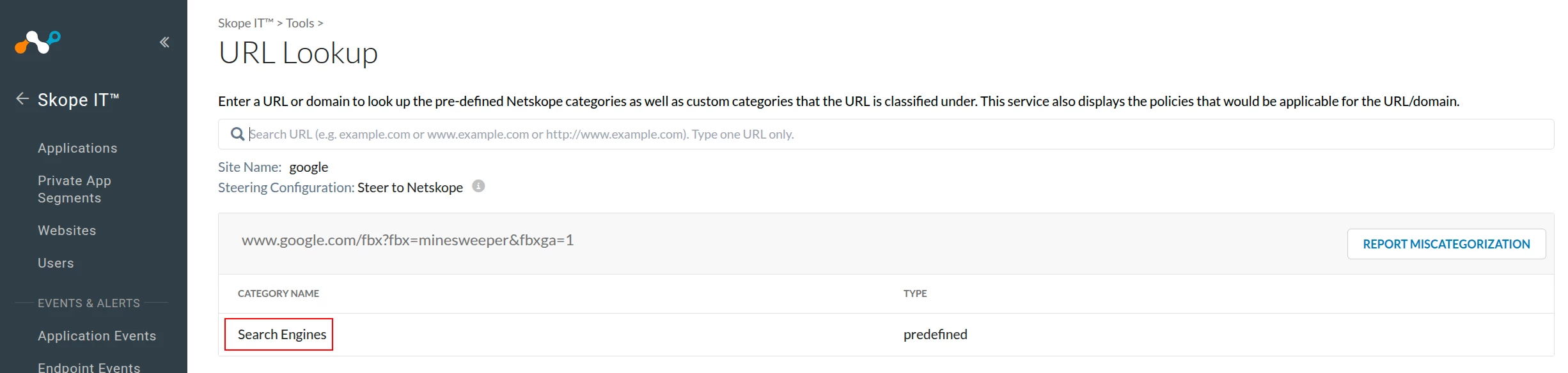
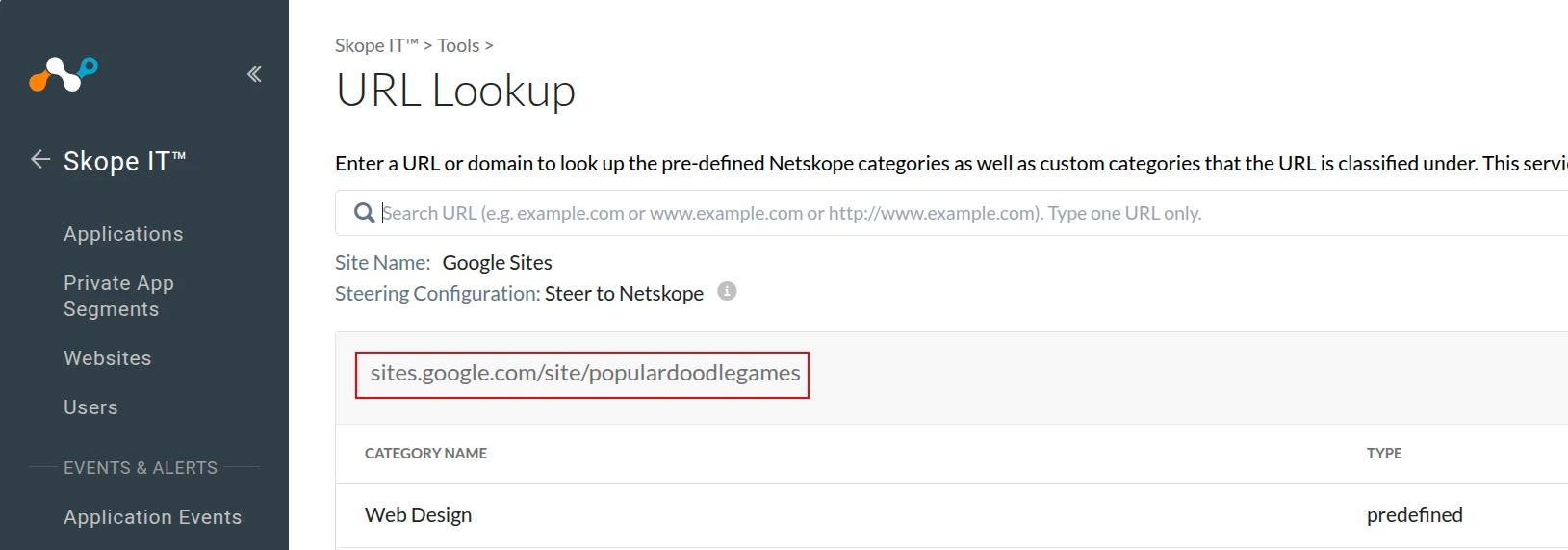
Google Doodle game URLs are classified under:
➡️ Search Engines OR Web Design
This means:
- They are not categorized as Games or Gambling
- Blocking them via category would require blocking Search Engines or Web Design entirely
And that would:
- Impact all users
- Break access to Google Search and other essential services
🔍 How These Games Work
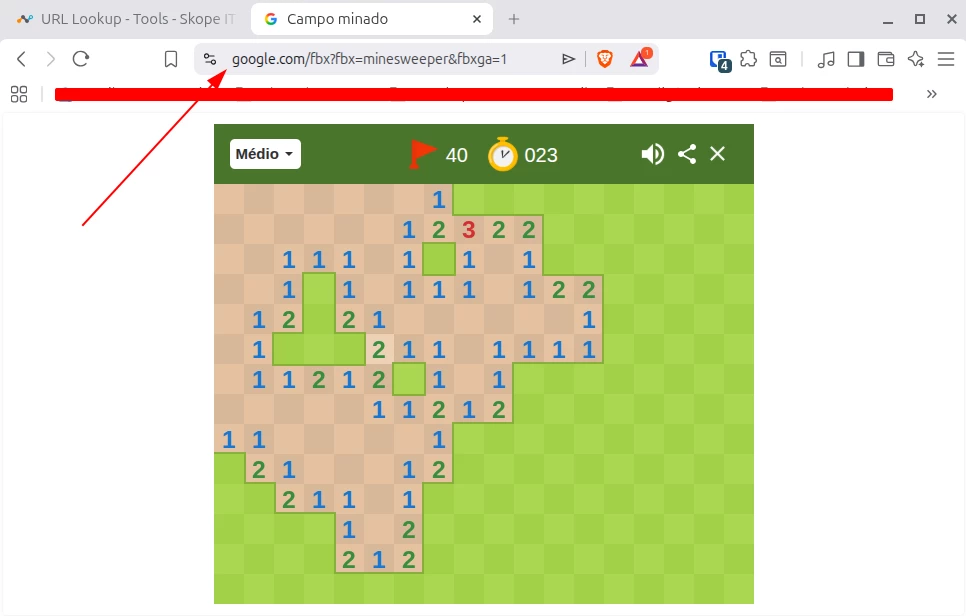
Google Doodle games are hosted under specific URLs, typically under:
www.google.com/logos/...dailygames.discover.google.com
Examples include:
/logos/2017/cricket17/cricket17.html/logos/2022/lawson/r1201/lawson.html
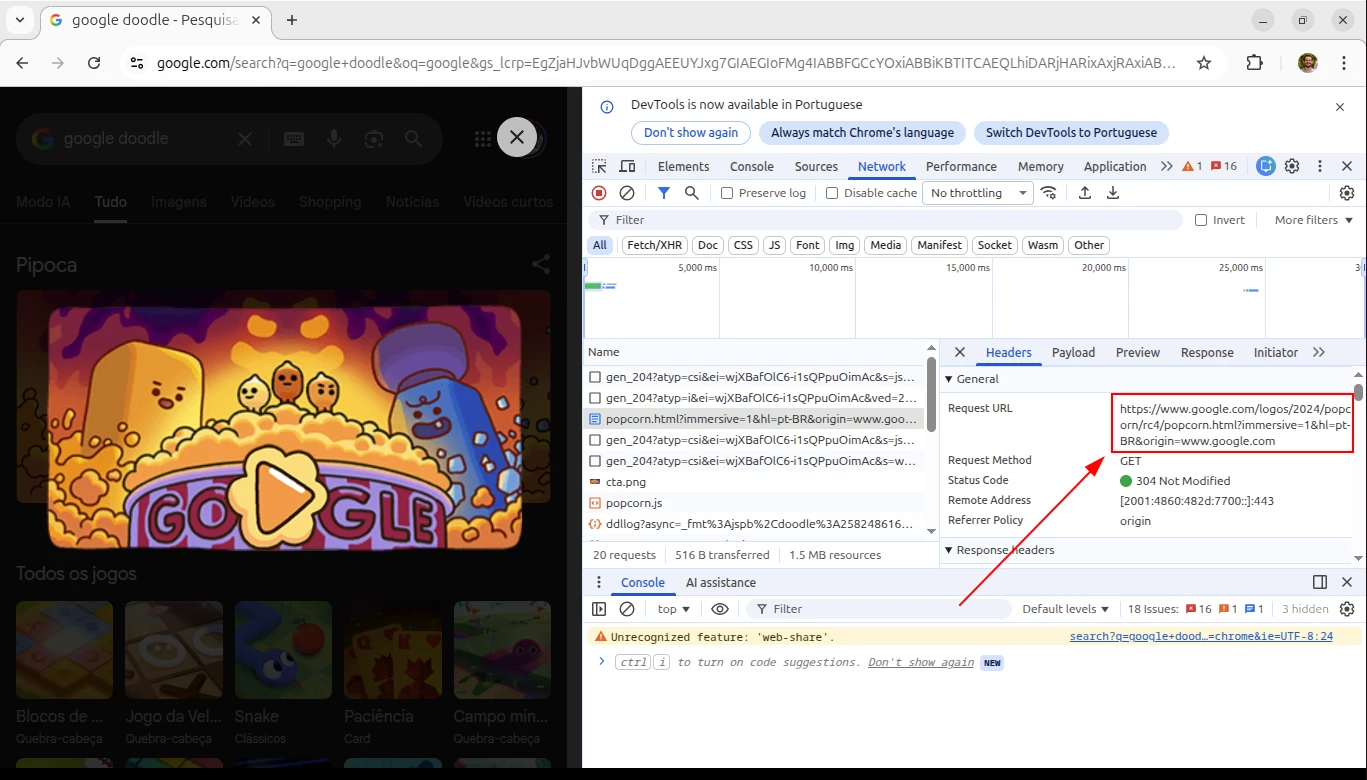
You can identify these URLs by using browser developer tools:
👉 Open DevTools in Google Chrome (press F12)
👉 Navigate to the Network tab
👉 Load the Doodle game and observe the requests
✅ Recommended Solution: URL List Blocking
Instead of relying on category-based controls, the best approach is to:
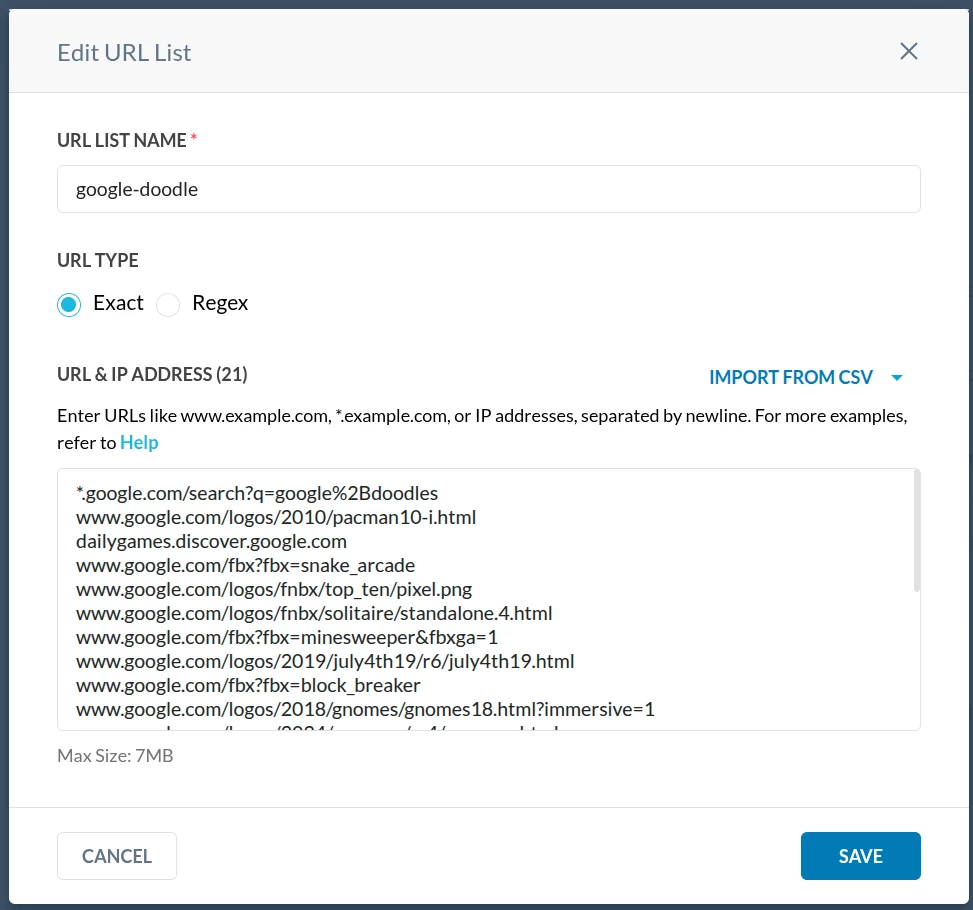
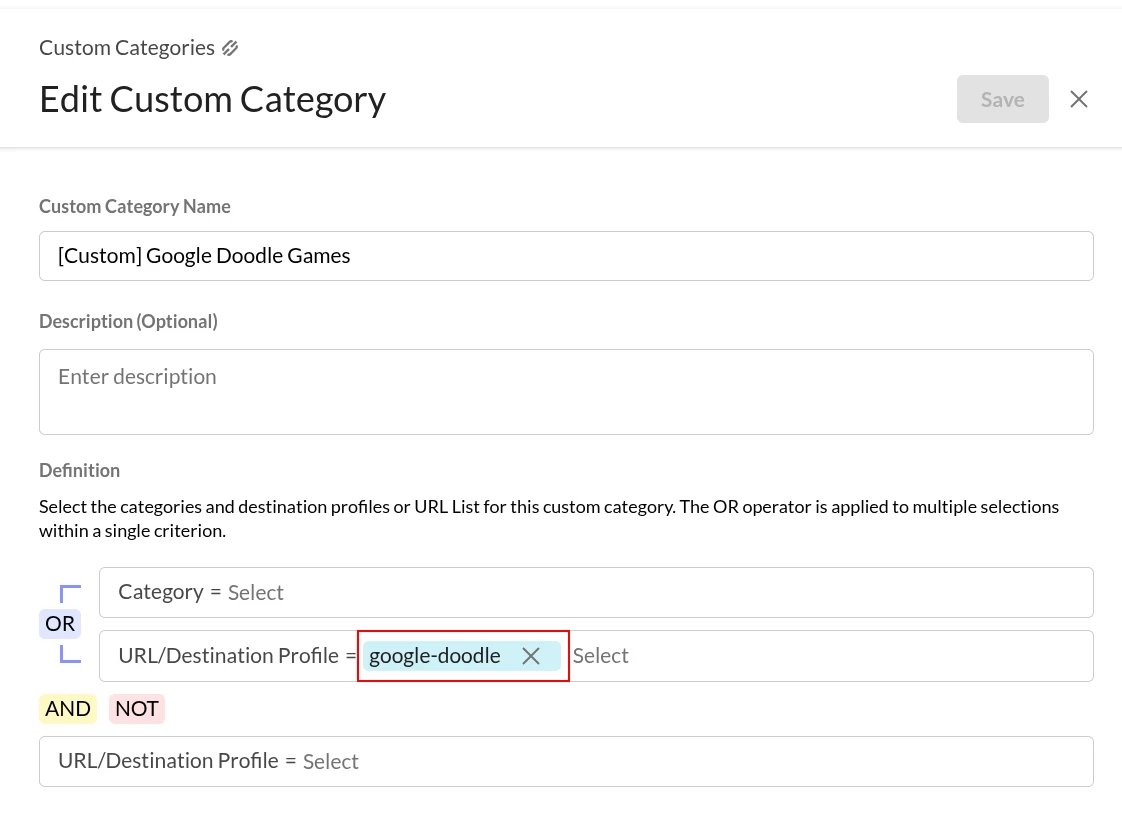
1. Create a Custom URL List and a Custom Category
Add all known Google Doodle game URLs, such as:
*.google.com/search?q=google%2Bdoodles
www.google.com/logos/2010/pacman10-i.html
dailygames.discover.google.com
www.google.com/fbx?fbx=snake_arcade
www.google.com/logos/fnbx/top_ten/pixel.png
www.google.com/logos/fnbx/solitaire/standalone.4.html
www.google.com/fbx?fbx=minesweeper&fbxga=1
www.google.com/logos/2019/july4th19/r6/july4th19.html
www.google.com/fbx?fbx=block_breaker
www.google.com/logos/2018/gnomes/gnomes18.html?immersive=1
www.google.com/logos/2024/popcorn/rc4/popcorn.html
www.google.com/logos/2020/kitsune/rc7/kitsune20.html
www.google.com/logos/2017/cricket17/cricket17.html
www.google.com/logos/2022/lawson/r1201/lawson.html
www.google.com/logos/2015/ponyexpress/ponyexpress15.html
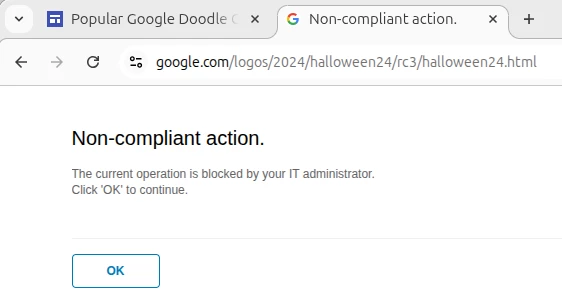
www.google.com/logos/2024/halloween24/rc3/halloween24.html
www.google.com/logos/2021/petanque/r041323/petanque.transparent.html
www.google.com/logos/2024/moon/moon_march-rc2/moon_march.html
www.google.com/logos/2023/panipuri/r3/panipuri.html
www.google.com/fbx?fbx=memory_game
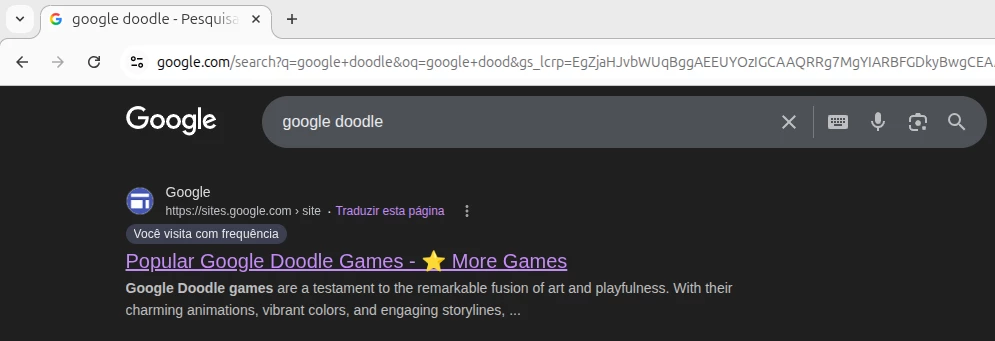
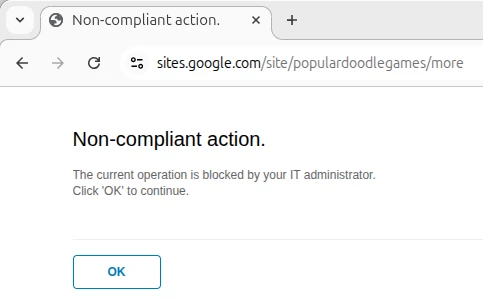
sites.google.com/site/populardoodlegames
play.google.com
(You should maintain and expand this list over time.)
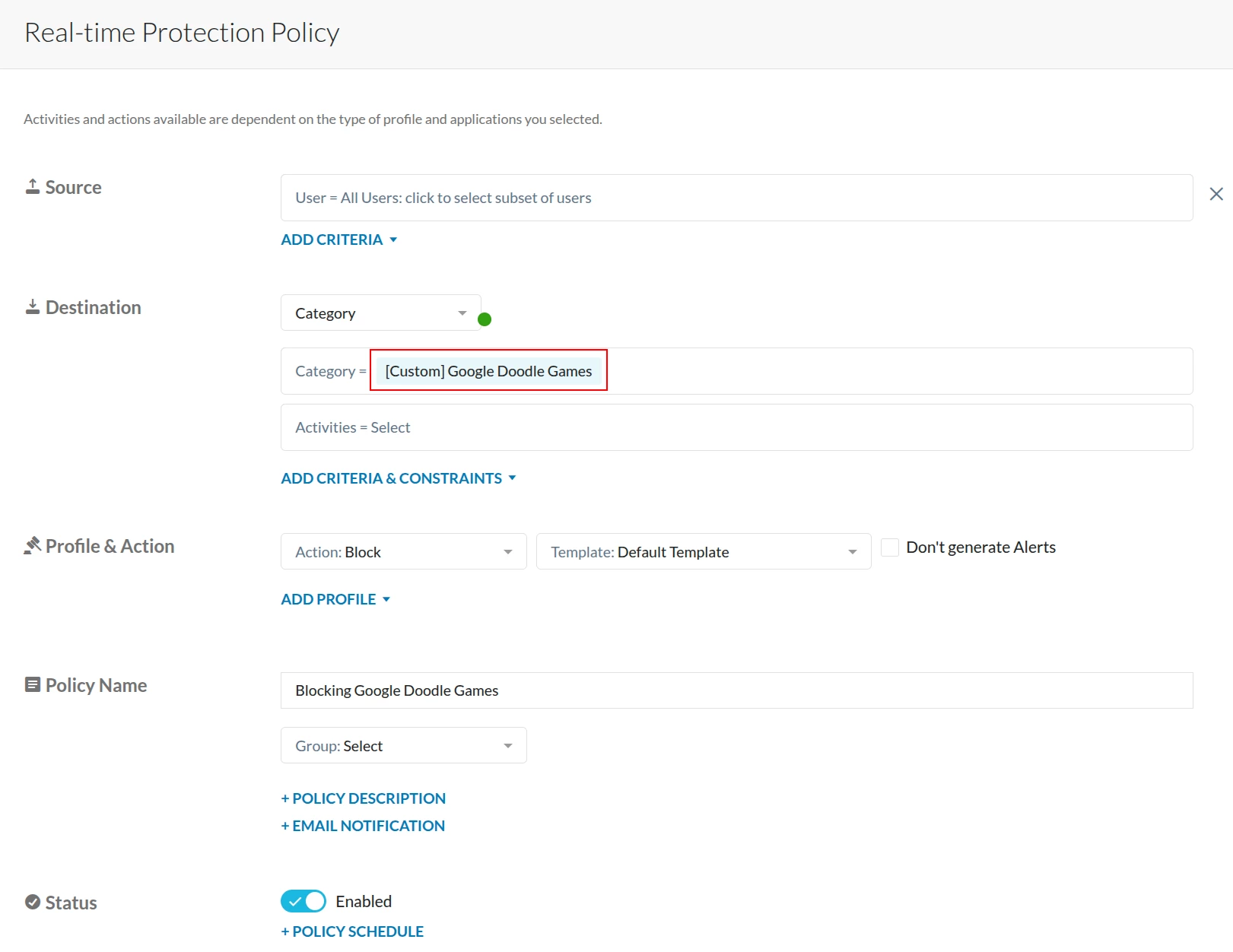
2. Create a Policy in Netskope SWG
- Action: Block
- Destination: Custom Category (Doodle Games)
- Scope: Users or groups as required
3. Apply and Monitor
- Deploy the policy
- Monitor logs for matches
- Fine-tune based on user behavior
⚠️ Important Caveats
🔄 New Games = New URLs
Google frequently releases new Doodles.
➡️ Each new game may use a different URL path, which means:
- You must continuously update your URL list
⚠️ Special Case: play.google.com
Some game-related content may involve:
play.google.com
Blocking this domain:
- May help restrict access to certain games
- BUT can also impact legitimate usage of Google Play
👉 Evaluate carefully before blocking.
🧠 Key Takeaways
- Google Doodle games are not categorized as Games in Netskope
- They fall under Search Engines, making category blocking impractical
- The most effective method is URL-based control using custom category
- Ongoing maintenance is required to keep up with new games