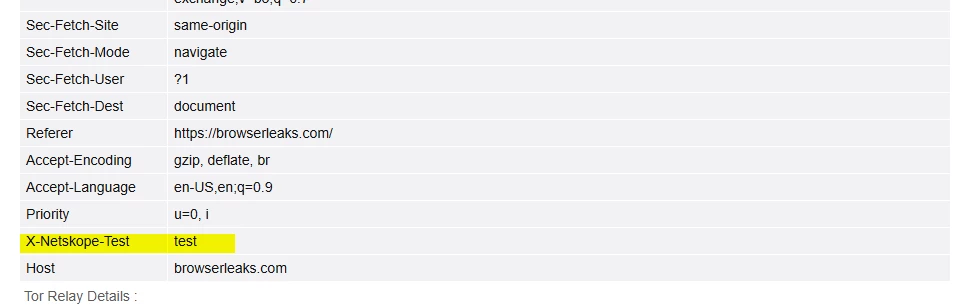
Hello.. I am trying to simply add a custom header to any and all users that have the Netskope Client installed. Basically when they access our corporate website, I want Netskope to add a header “X-Employee” with a value of “true”.
I thought the solution to this was to do the following:
Go to Netskope settings
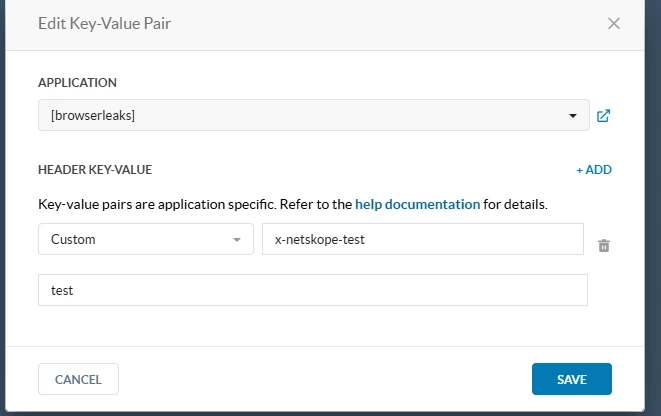
Click Manage, then “Header Insertion”
Click “New Header Insertion Profile”
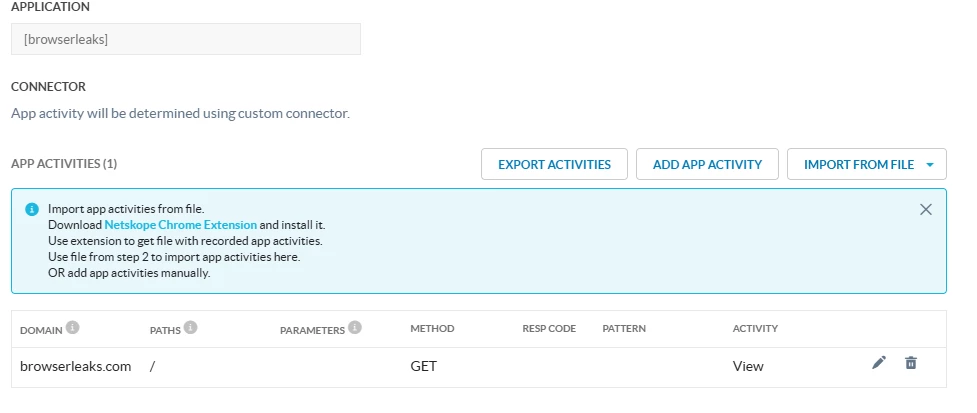
Create new application with the custom header and value.
Then I went to “Security Cloud Platform”, and created a new Cloud App rule, that used the application I created above, and the domains entry has the value of my corporate domain. (i.e. example.com).
I still don’t see any headers being added to the outbound browser requests when accessing a site with that domain. Am I missing some step?
Thanks