



Let’s take the Enterprise Browser Usage Monitoring Dashboard as an example.
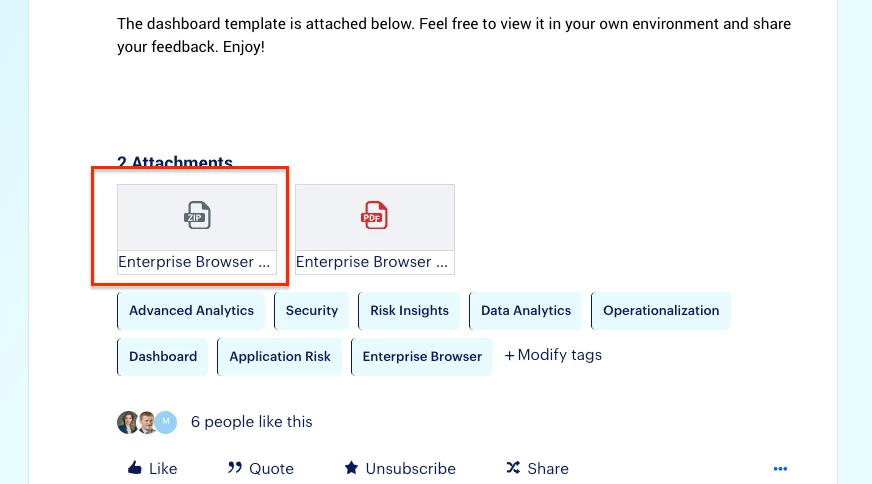
By scrolling down to the bottom of the article, you will see a ZIP file attached. Click it to download the file (dashboard template).
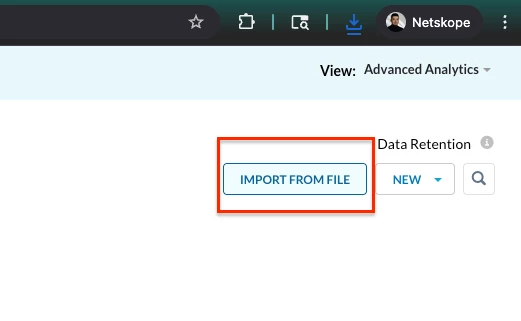
Now, let’s go back to Advanced Analytics on your tenant. By clicking the “IMPORT FROM FILE” button on the top right corner, an upload window will show up.
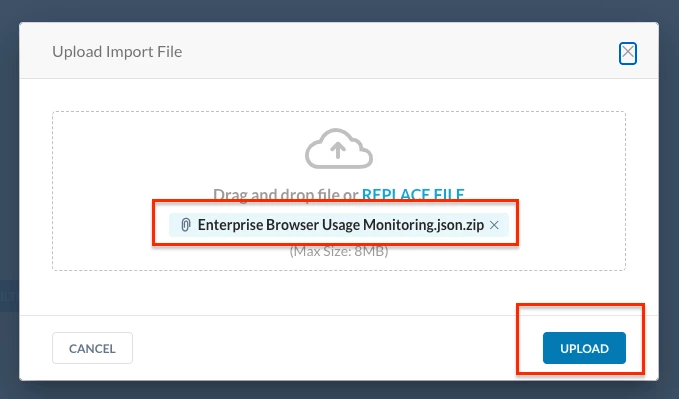
By adding the ZIP file we just downloaded to the window and hitting “UPLOAD,” the dashboard template will then be imported to Advanced Analytics on your own tenant.
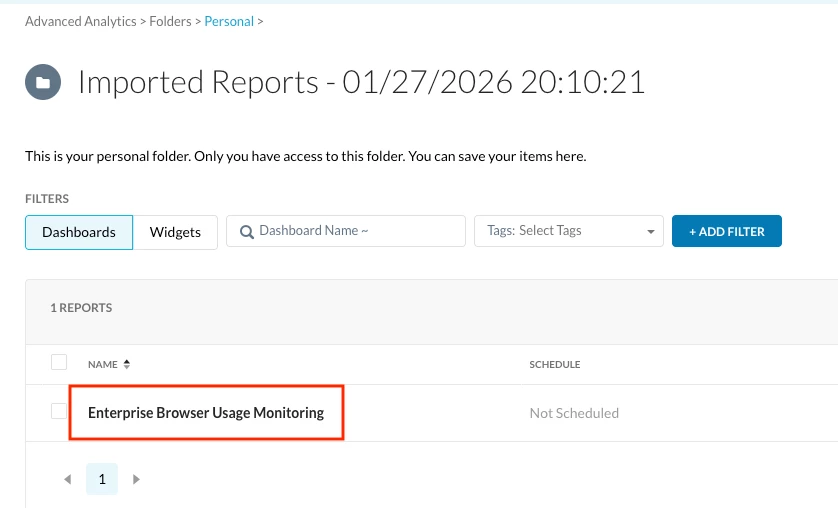
You can then view and edit the dashboard based on your needs.
Please feel free to reach out if you have any questions!



