

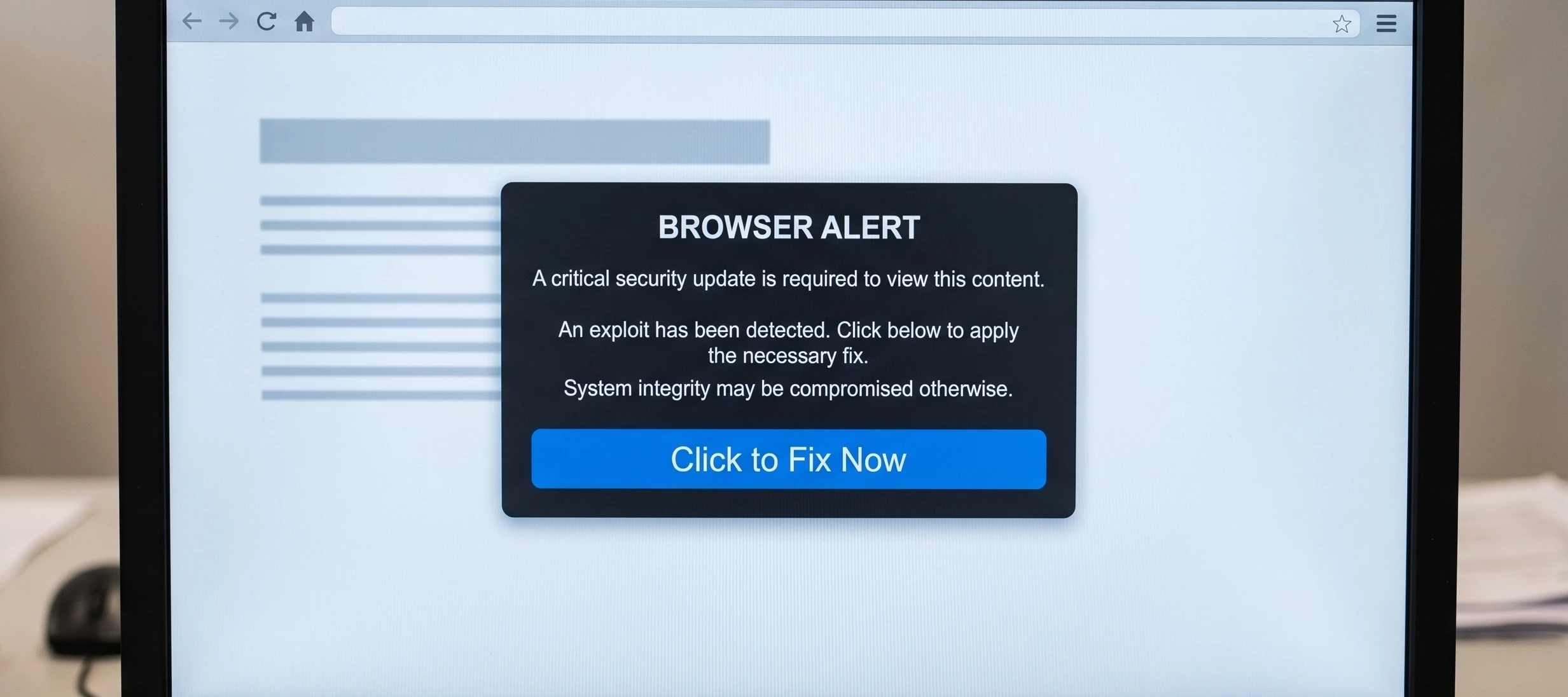


ClickFix is a kind of social engineering attack where the victims are tricked into solving a malicious captcha or installing a fix for a non-existent problem in their device, within a multi-stage process that eventually leads to malware distribution at the end of the attack chain.
ClickFix attack are characterized by the following patterns:
- A social engineering lure that convinces the victim to paste and execute a Powershell script in a terminal
- The Powershell connects to a remote site from where a malicious sample is downloaded and executed.
The process is detailed in the following picture:
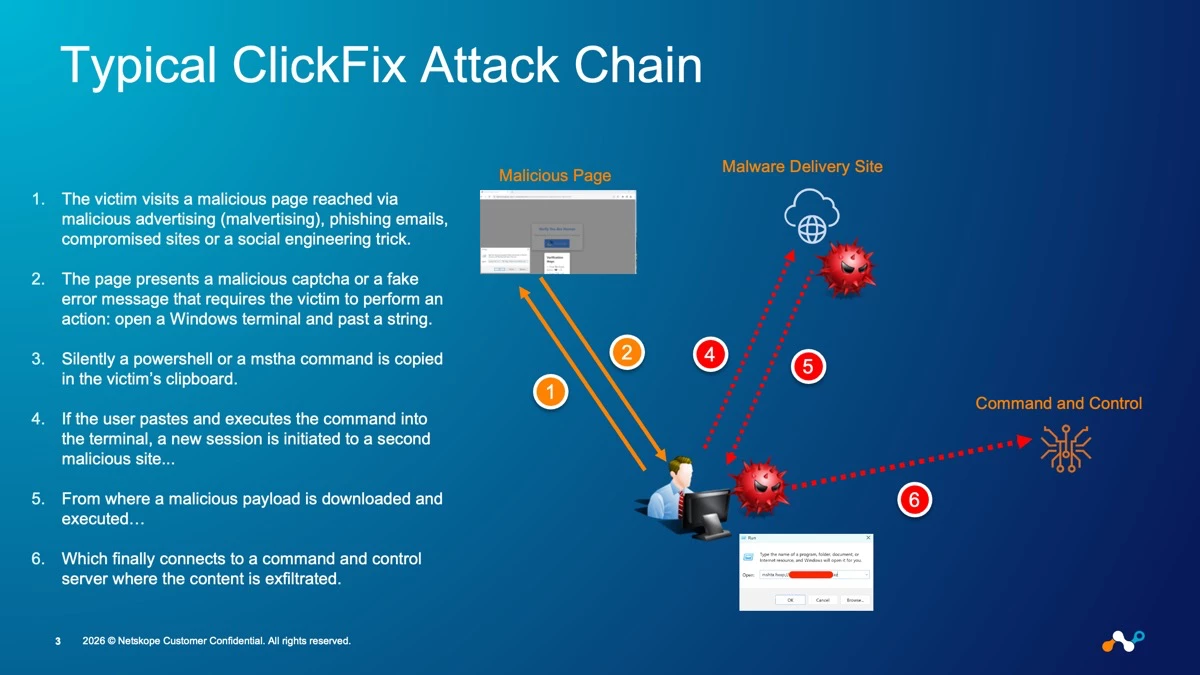
- The victim visits a malicious page reached via malicious advertising (malvertising), phishing emails, compromised sites or a social engineering trick.
- The page presents a malicious captcha or a fake error message that requires the victim to perform an action: open a Windows terminal and past a string.
- Silently a Powershell or a Mstha command is copied in the victim’s clipboard.
- If the user pastes and executes the command into the terminal, a new session is initiated to a second malicious site...
- From where a malicious payload is downloaded and executed…
- Which finally connects to a command and control server where the content is exfiltrated.
This means that there are multiple stages where the attack can be prevented or mitigated. In particular Netskope One Threat Protection offers natively the following capabilities (and of course I won’t focus on the integrations that allow to extend the possibilities of detection).
Connection to the Initial Phishing Page
- Stage of the attack: connection to the initial phishing page
- Countermeasures: Netskope threat intelligence can block the access to the initial phishing page where the malicious captcha (or in general the initial lure) is presented, through:
- Netskope Threat Intelligence (the site is known into the Netskope Threat Intelligence and hence any access is blocked)
- Specific signatures within the Client IPS engine for ClickFix attacks that prevent the access to the malicious page. If interested you can look them up in our threat library.
Pro Tip: in case you can search for “FakeCaptcha” in the malware name, or “ClickFix” in the IPS signature name.
Malware Delivery
- Stage of the attack: malware delivery
- Countermeasures: if the user executes the malicious script, this will attempt to download the malicious payload from a malware distribution site. In this case Netskope Threat Protection can:
- Block the access via our Threat Intelligence.
- Block the download via the engines inside Netskope Threat Protection:
- Standard Threat Protection leverages static engines such as: AV, ML classifier for executable and the Netskope Threat Intelligence for artifacts (which is the combination of our research and the IoCs discovered within the entire Netskope customer base and shared anonymously across all tenants.
- Advanced Threat Protection leverages dynamic engines such as: advanced heuristics and sandboxing to detect also unknown malware with the additional possibility to configure Patient Zero policies.
Command and Control Connection
- Stage of the attack: Command and Control Connection
- Countermeasures: if both previous stages were successful, Netskope Threat Protection can still detect and prevent the command and control connection.
- Block the C2 connection via the Netskope Threat Intelligence since the destination is known.
- Block the C2 connection via the Client IPS since the traffic shows known patterns
- Detect the C2 connection for an unknown destination or an unknown traffic pattern via our Advanced UEBA SOC Detection Pack. Of course the integration with third parties with Cloud Exchange allows to unleash subsequent remediation procedures to contain and block the incident.



